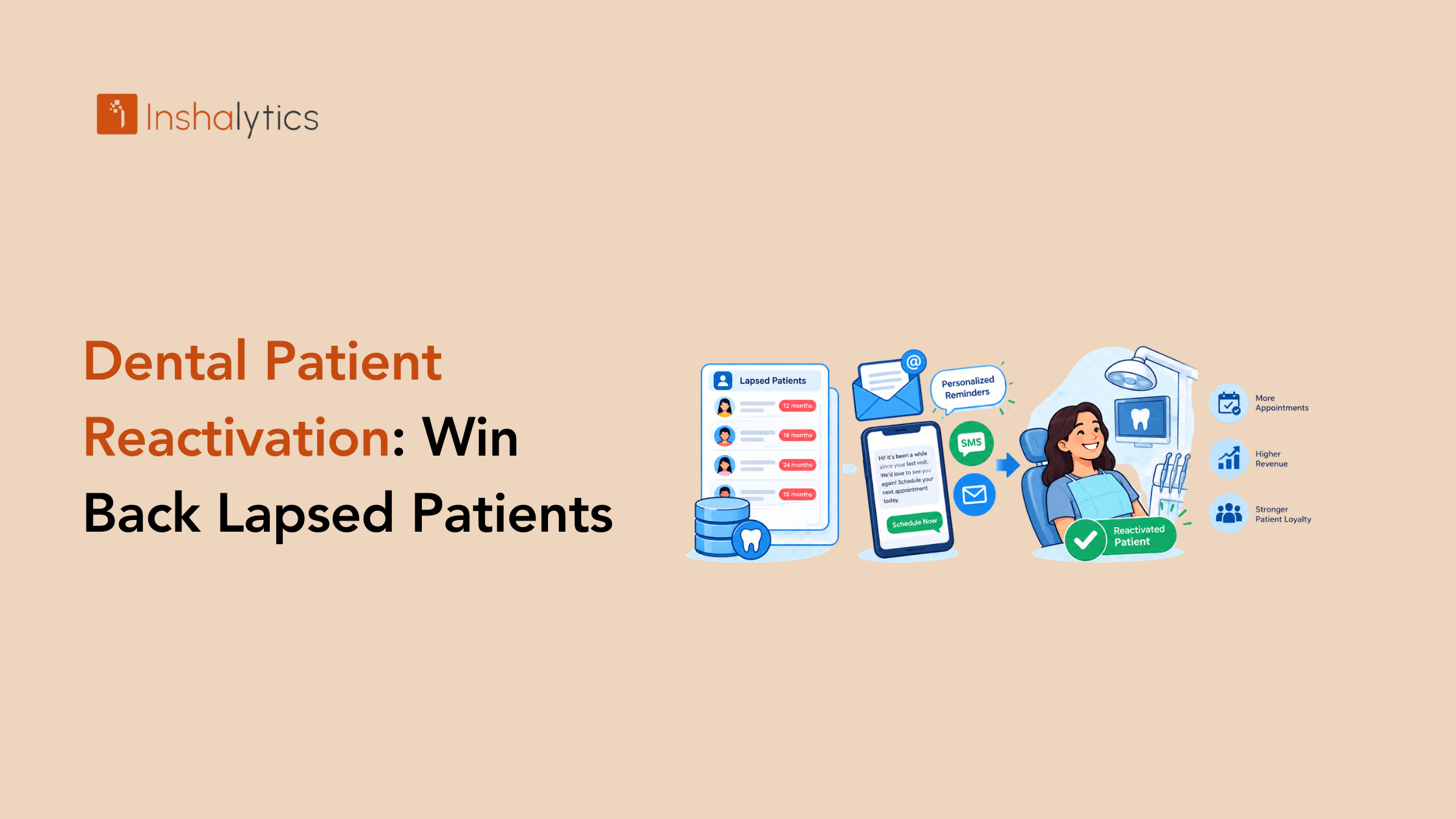
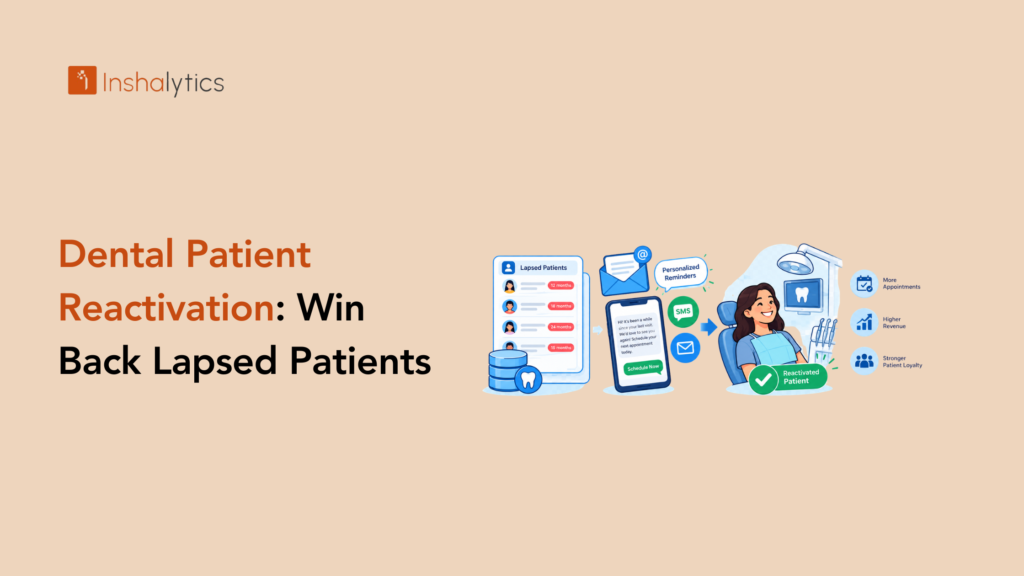
Somewhere in your practice management system sits a list of people who already trust you with their teeth and quietly stopped coming. Dental patient reactivation is the work of bringing them back, and for most practices it is the cheapest source of new appointments they have.
This guide explains why reactivation costs less than acquisition, who counts as inactive, how to run a campaign step by step, which messages work, what consent rules apply, and how to measure results.
Why Is Reactivating Patients Cheaper Than Acquiring New Ones?
Reactivating lapsed patients is usually cheaper than buying new ones because they already know your office, your records exist, and no ad click is needed to reach them. You are spending a text, an email, and some front-desk time rather than an advertising auction.
The cost gap vs new-patient acquisition
A new patient costs you ad spend, tracking, and a long consideration cycle. A returning patient costs you a message and a call. Compare both against your own numbers: see our guide to cost per acquisition for dental patients for how to calculate yours.
The lifetime value of a returning patient
A patient who returns for hygiene often brings restorative work, family members, and years of future visits. That is why lifetime value matters more than the first appointment. Our post on dental patient lifetime value shows how to track it.
Who Counts as an Inactive Dental Patient?
An inactive patient is someone who has not visited within a set period, usually 12 to 24 months, and has no appointment scheduled. Your definition should match your recall cycle, so that you are not chasing people who are simply not due yet.
Defining inactive by last visit (12, 18 and 24 months)
Split the list by how long it has been. Patients gone 12 months are the warmest, 18 months are cooler, and 24 months or more need a gentler reintroduction. Treat each group with a different message.
Segments: overdue hygiene, unscheduled treatment, lapsed families
Beyond time, segment by reason. Some patients are overdue for cleanings. Some have a treatment plan they never scheduled. In some households, one member kept coming and the rest drifted away. Each segment calls for different wording and a different offer of help.
Clean the list first (bad contacts, moved, deceased)
Before you send anything, remove records that will cause harm or waste: deceased patients, people who asked not to be contacted, duplicate records, and invalid phone numbers or emails. A careless message to a family in mourning does lasting damage, so clean carefully.
How Do You Run a Dental Reactivation Campaign Step by Step?
Run it in three phases over about twelve weeks: prepare the list, reach out across several channels, and close out with a last-chance sequence. Spacing and variety matter more than volume.
Weeks 1-2: pull the data and segment
Export patients by last visit date, open treatment, and household. Build segments, clean the list, and decide who calls, who texts, and who gets email. Confirm that your schedule has room, because a campaign that fills nothing is wasted effort.
Weeks 3-6: multichannel touches (text, email, call, mail)
Start with a text or email, follow with a phone call a few days later, and consider a postcard for patients who do not respond digitally. Use each channel for what it does best: text for speed, email for detail, calls for the personal touch.
If you already send recall emails, see our guide to email marketing automation for dental practices.
Weeks 7-12: last-chance sequence and close-out
Send a final, friendly message that names the benefit of coming back and makes booking easy. After the last touch, move non-responders to your regular recall list and stop. Persistence helps, but pestering costs goodwill.
What Reactivation Scripts and Messages Work?
The best messages sound like your office, are short, and make the next step easy. Lead with care for the patient, not a sales pitch.
Text and email examples
A text might read: Hi Maria, this is Dr. Lee’s office. It has been a while since your last visit, and we would love to see you. You can book here or reply with a good time. Keep it personal and short.
An email can expand with a line about what a visit includes and a clear booking button. Always include a way to opt out.
A front-desk phone script
Open with who you are, say you are checking in because it has been a while, ask whether they have been seeing another dentist, and offer a specific appointment. Listen first. Some patients moved or switched practices, and that answer is useful too.
Patients with treatment plans or open balances
For patients with unscheduled treatment, focus on their health and the options available, not on pressure. For open balances, offer a conversation about payment options before you ask for an appointment. Confirm that your policies and wording are lawful for your state.
What Consent and Compliance Rules Apply to Patient Outreach?
Patient outreach must respect consent and privacy law. Text messages generally require appropriate consent, emails need an unsubscribe option, and any message that touches health information must be handled in line with HIPAA. Confirm your specific wording with your compliance advisor or attorney.
Text opt-in, opt-out and email unsubscribe
Collect clear consent for texts, honor STOP replies right away, and keep records. Include an unsubscribe link in every marketing email and honor it quickly. Keep message content minimal and avoid details about a patient’s treatment in an unencrypted message.
Minors, guardians and do-not-contact lists
For patients under 18, contact the parent or guardian on file. Maintain a do-not-contact list that every campaign checks before sending, so a patient who opted out never hears from you again by mistake.
How Do You Measure Reactivation ROI?
Measure patients returned, production recovered, and what the campaign cost. Compare the recovered production with your campaign costs to see whether it paid off.
Patients returned, production recovered and campaign cost
Track how many patients booked, how many showed up, and the production from those visits. Add the cost of software, postage, and staff time. An illustration with round numbers, not benchmarks: if a campaign recovers $12,000 in production for $1,500 in costs, the return is clear.
Ongoing cadence after the first campaign
Turn the one-time push into a habit. Run a smaller reactivation round every quarter, so the list never grows stale again. Our dental marketing ROI audit checklist helps you track results across channels.
How Inshalytics Automates Dental Patient Reactivation
We build reactivation as a system rather than a one-off blast. Our marketing automation services connect your patient list, your messages, and your reporting.
List segmentation and campaign setup
We help you segment by last visit, treatment status, and household, and we set up each campaign around your capacity and schedule.
Text and email automation sequences
We build sequences that send the right message at the right time, pause when a patient books, and stop when someone opts out. Pair them with automated appointment reminders to keep returning patients on the schedule.
Reporting on recovered production
You see patients returned, appointments kept, and production recovered, by campaign. Want help bringing lapsed patients back? Talk to Inshalytics about a reactivation plan.
Launch Your First Reactivation Campaign
Dental patient reactivation works when you clean the list, segment it, reach people on several channels, respect consent, and measure the result.
A one-page campaign checklist
- Export patients inactive for 12 months or more.
- Remove deceased, do-not-contact, and invalid records.
- Segment by last visit, treatment status, and household.
- Confirm consent and opt-out handling for texts and emails.
- Write your text, email, and phone script.
- Open enough schedule space to book returning patients.
- Launch, track bookings, and review at week six and week twelve.
Next steps
Pick your 12-month segment and launch within two weeks. If you want a team to set up the automation and reporting, let’s talk about how Inshalytics can help.