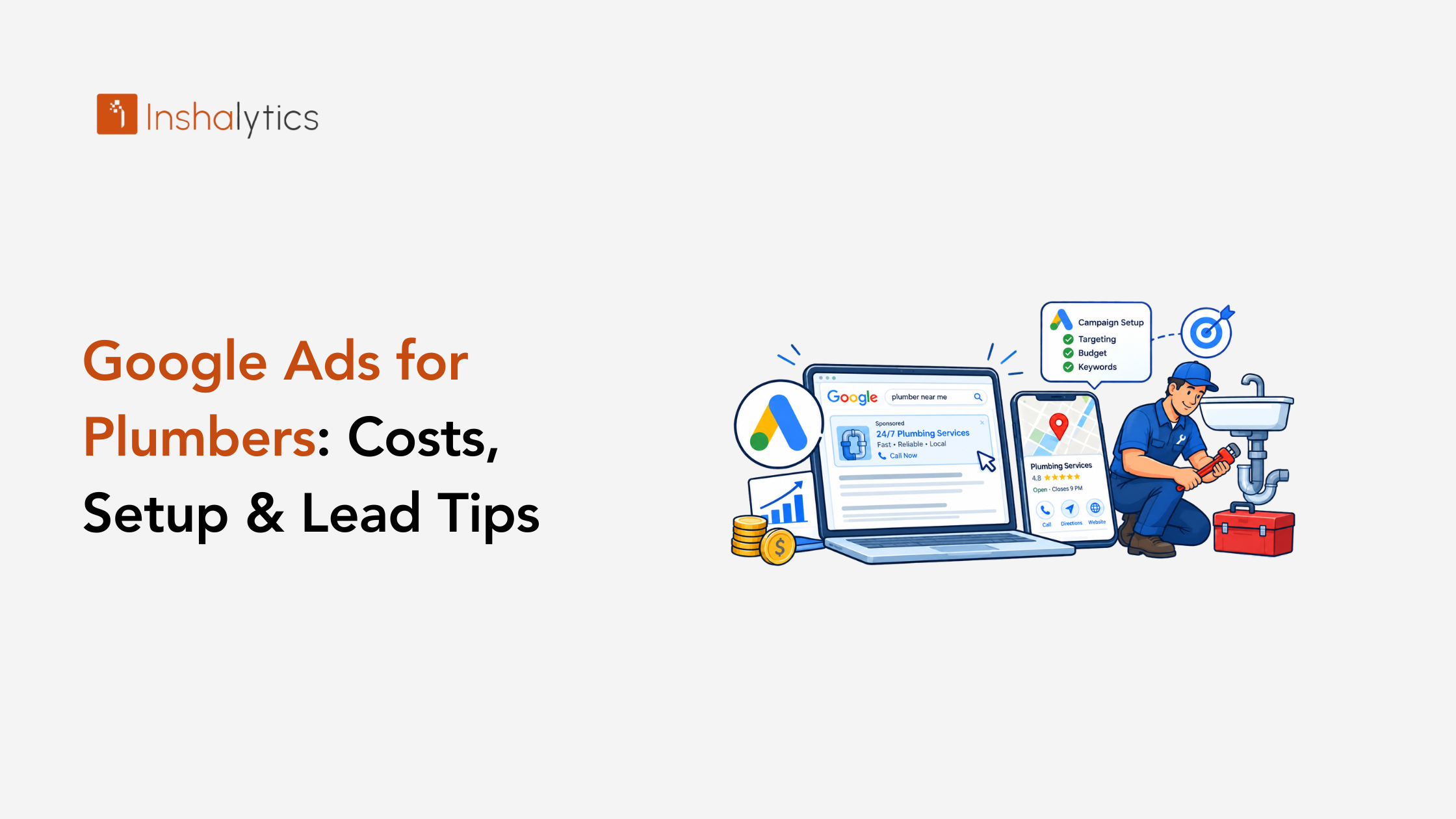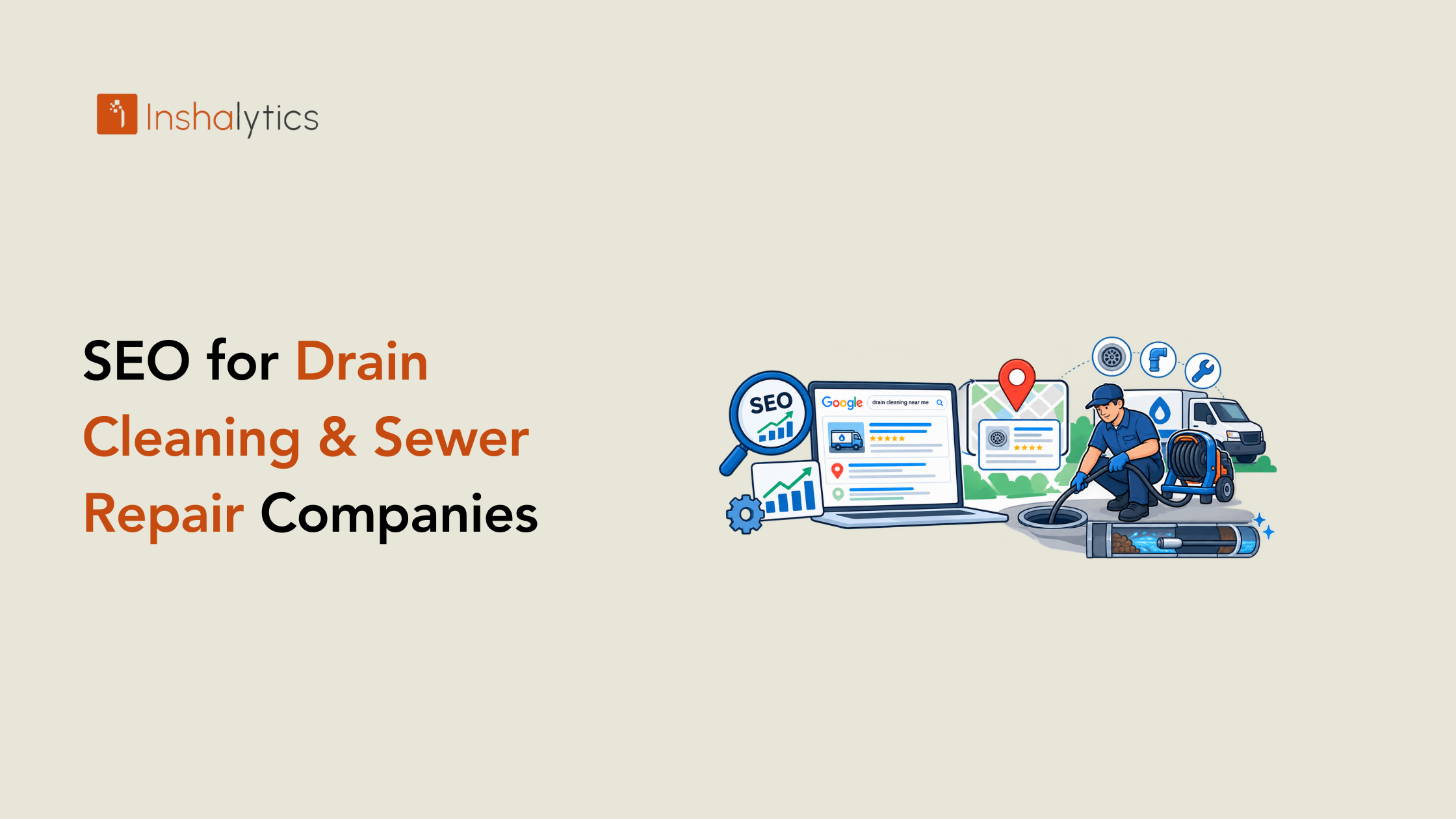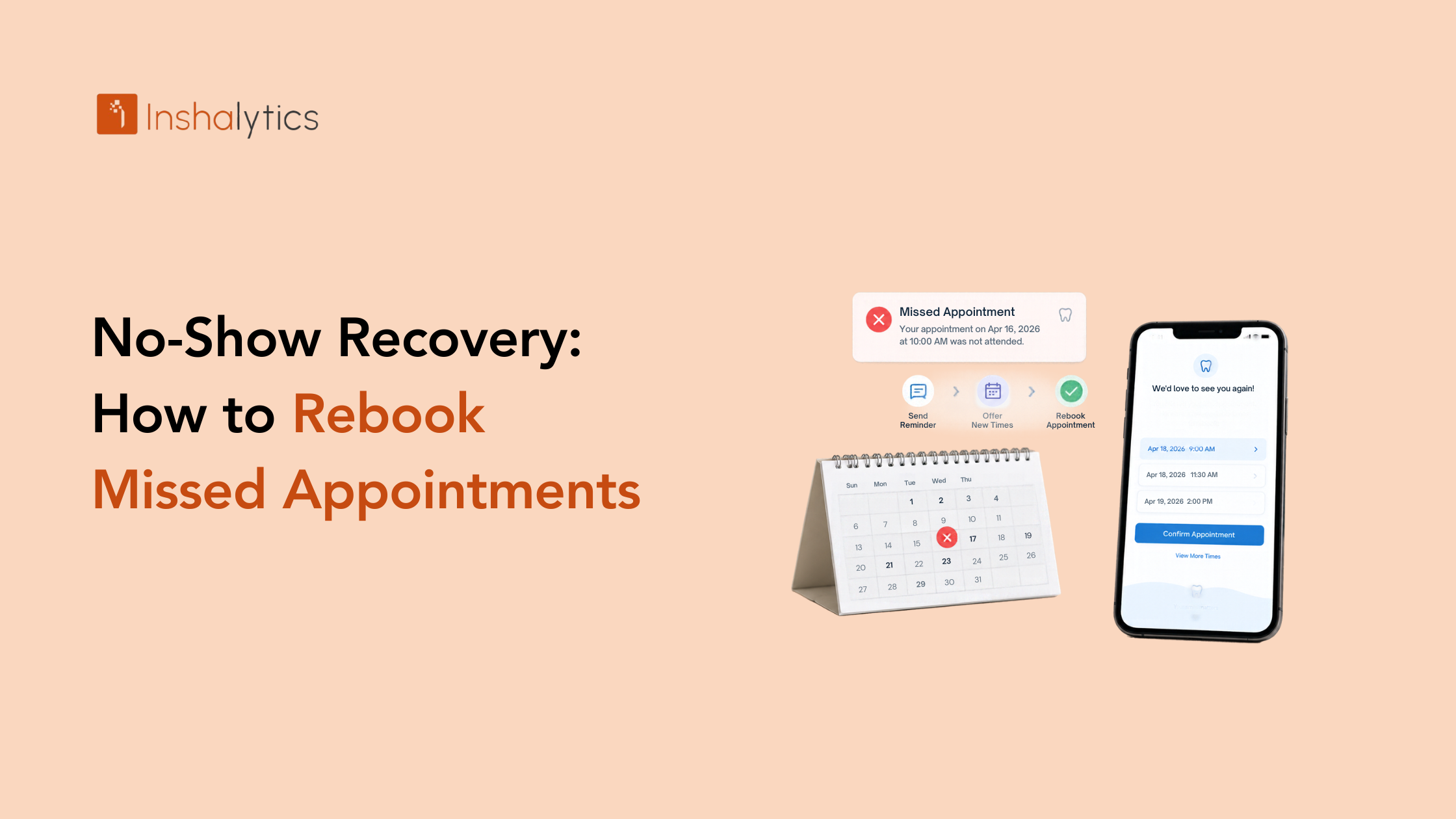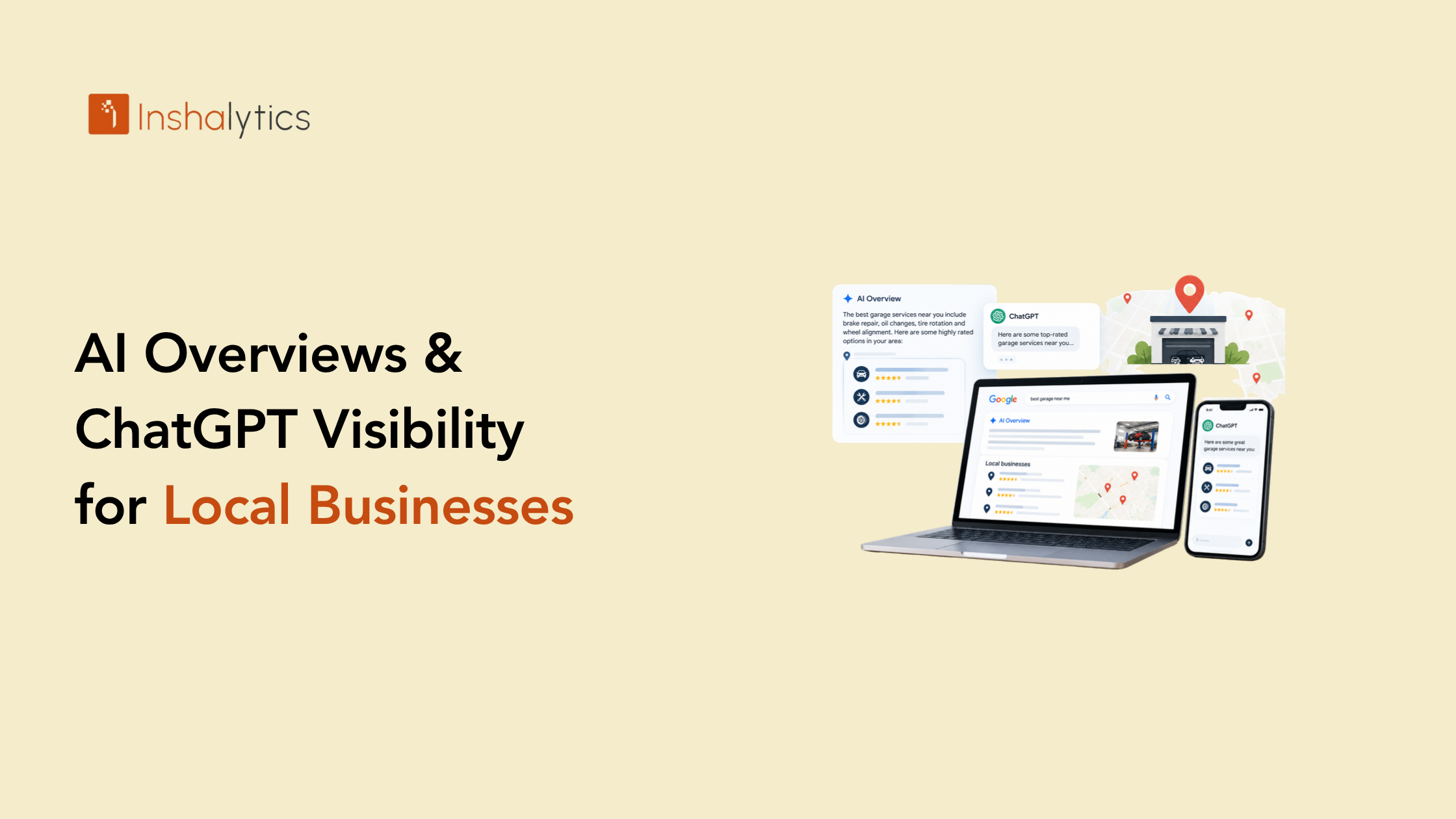

Most plumbing websites convert less than two percent of visitors into leads, which means roughly 98 out of every 100 people who land on your site leave without calling. If you’re paying for traffic through ads, SEO, or both, that’s not a minor inefficiency. It’s the majority of your marketing budget walking out the door before it ever has a chance to become a booked job, and most owners never realize how much of that spend is being wasted until they actually look at the numbers. This plumbing website audit breaks down exactly why emergency-intent traffic bounces, what to check on your own site right now, and how to close the gap between where you are and where top-performing plumbing sites convert.
The 8-Second Decision Window You’re Losing
A plumbing emergency doesn’t leave room for browsing. The decision to call happens almost instantly, or it doesn’t happen on your site at all, and every second spent figuring out whether you’re the right business is a second closer to losing that visitor entirely.
What a Homeowner With a Burst Pipe Actually Does on Your Site
Someone with water pooling in their basement isn’t reading your “About Us” page or comparing service philosophies. They’re scanning for one thing: proof that you can help them right now. If your homepage leads with company history instead of immediate availability, you’ve already lost the moment that mattered, no matter how strong the rest of your site actually is once someone finally scrolls far enough to see it.
The Benchmark: Most Plumbing Sites Convert Under 2%
Plumbing websites typically convert well under two percent of visitors, while conversion-focused sites built around emergency intent reach four to seven percent. That gap isn’t a rounding error. At any meaningful traffic volume, it’s the difference between a website that pays for itself and one that quietly drains your marketing budget every month without anyone noticing exactly where the money is going.
Is Your Page Actually Matching What They Searched For?
The single biggest driver of bounce rate on plumbing sites isn’t design. It’s a mismatch between what someone searched for and what they land on, and it’s also one of the easiest problems to fix once you actually see it.
Homepage vs. Dedicated Emergency-Service Landing Pages
If someone searches “emergency plumber ” and lands on your general homepage instead of a page built specifically around emergency service, they bounce, because the page doesn’t immediately confirm they’re in the right place. A dedicated landing page that mirrors the search term in its headline closes this gap immediately, without requiring any change to your ad spend or SEO rankings, and it’s often the single highest-return fix available to a plumbing site.
Why Ad Traffic to Your Homepage Is Wasted Spend
Sending paid traffic to a generic homepage instead of a matching landing page is one of the most common and most expensive mistakes in plumbing PPC. Every click costs money regardless of where it lands. The only question is whether that click has a real chance of converting once it arrives, and a mismatched landing page all but guarantees it won’t.
What’s Actually Killing Your Conversion Rate?
Beyond the intent mismatch, a handful of recurring, fixable problems account for most of the lost conversions on plumbing sites, and most of them can be diagnosed in under an hour.
Load Speed: The 32% Bounce Increase Between 1 and 3 Seconds
Bounce rates climb sharply as load time increases from one second to three seconds on mobile, and most plumbing searches happen on a phone, often during an active emergency. A slow-loading site isn’t just an inconvenience at that moment. It’s the reason someone gives up and calls the next result instead, and it’s happening on nearly every visit if your site hasn’t been checked recently. Compression, hosting quality, and how many third-party scripts are loading in the background all play a role, and most of these can be improved without a full site rebuild.
Buried or Non-Clickable Phone Numbers
If your phone number isn’t tap-to-call and visible without scrolling, you’re adding friction at the exact moment a visitor is ready to act. This is one of the simplest fixes on this entire list and one of the most commonly missed, even on sites that otherwise look polished and professional.
Missing Trust Signals Above the Fold
License number, years in business, review count: these need to be visible immediately, not buried three scrolls down. A homeowner deciding whether to trust a stranger in their home with an active leak makes that judgment in seconds, based on what’s immediately visible, not on what’s technically present somewhere further down the page. A site that buries this information under a hero image and a paragraph of marketing copy is asking a stressed visitor to do work they simply won’t do before calling someone else instead.
How Do You Audit Your Own Plumbing Website Right Now?
You don’t need a full professional audit to catch the biggest, most obvious leaks. A few checks will tell you most of what you need to know before you invest in anything more involved.
Running the 8-Second Test on Your Own Homepage
Open your site on your phone and give yourself eight seconds. Can you tell, without scrolling, that this business handles emergencies, has a clickable phone number, and looks credible? If the answer is no on your own site, it’s no for every visitor arriving in crisis mode too, and that’s true regardless of how good your actual plumbing work is.
Checking Mobile Load Speed and Tap-to-Call
Run your site through a free page speed testing tool and check your score on mobile specifically, not just desktop. Then physically tap your own phone number on a mobile device and confirm it dials immediately, with no extra steps and no accidental redirect to a form instead of a call.
Calculating Your Baseline Conversion Rate
Divide your total monthly leads, calls, form fills, chat conversations, by your total monthly website visitors, then multiply by 100. That number is your starting point, and it’s the number every fix in this article should move, so it’s worth writing down before you make any changes.
How Inshalytics Runs a Full Conversion Audit
Catching the obvious leaks yourself is a good start, but the highest-impact fixes usually require a systematic, page-by-page review most plumbing owners don’t have time to run themselves in between managing crews and customers.
What a Free Audit Actually Uncovers
We go through your site section by section, mobile speed, call-to-action placement, trust signal visibility, landing page match to your top-performing keywords, and identify exactly where visitors are losing interest before they convert. CRM and speed-to-lead tooling for plumbers picks up the story from there, once a visitor actually does convert into a lead and needs to be followed up with quickly.
Fixing the Gap Between 1% and the 4–7% Top-Performer Range
Most of the fixes that move a site from under 1% to the 4–7% range aren’t expensive redesigns. They’re targeted changes to specific pages and specific elements, prioritized by how much traffic and revenue each one touches. That prioritization is exactly what a proper audit gives you that a generic checklist can’t, since it accounts for what’s actually happening on your highest-traffic pages rather than a one-size-fits-all list.
Turning Audit Findings Into Booked Jobs
An audit is only useful if it leads to changes that actually move your numbers, not just a list of recommendations that sits unused in an inbox somewhere.
Prioritizing Fixes by Revenue Impact
Not every fix matters equally. A slow load time on your highest-traffic emergency page deserves attention before a minor tweak to a low-traffic service page. Start with whatever’s touching the most visitors and the highest-value searches first, since that’s where the return on your time is greatest.
Tracking Conversion Rate After Changes Go Live
Whatever your baseline conversion rate is today, track it again 30 and 60 days after changes go live. That comparison is the real proof of whether the audit findings translated into actual booked jobs, not just a better-looking website that feels more polished without actually converting any better.
Related reading: How to Choose a Marketing Agency for Your Plumbing Business
If your site is bringing in traffic but not the calls to match, the fastest path forward is finding out exactly where that traffic is leaving. Ready for a free conversion audit? Let’s find out what your site is actually costing you every month, and fix it.