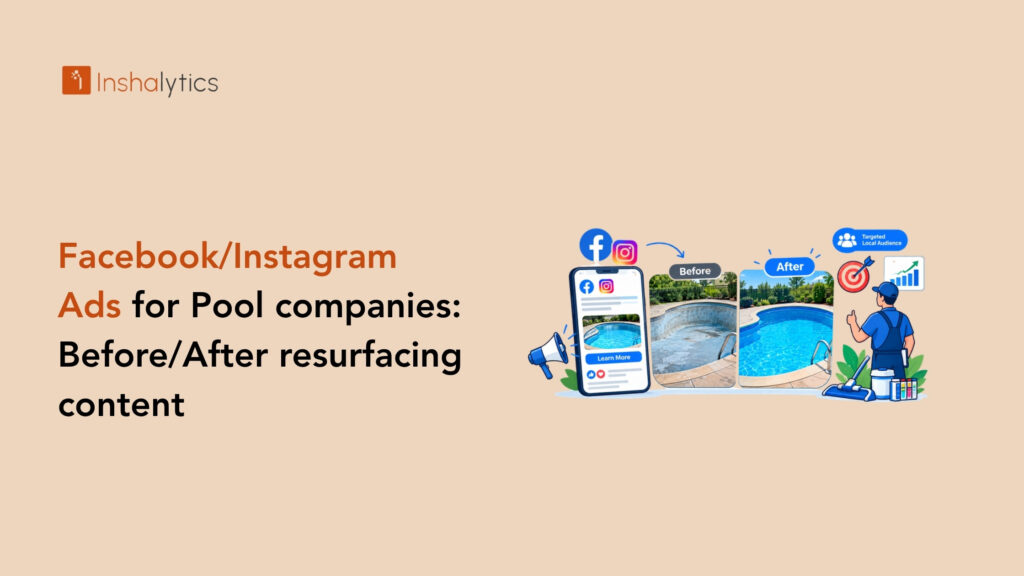
You just finished a gorgeous resurfacing job. The pool went from stained and rough to bright and smooth, and the homeowner is thrilled. Then the photos sit on your phone while you wait for the next lead to find you. Facebook and Instagram ads for pool companies fix that. They put your best work in front of local homeowners before they ever search for a contractor. This guide shows you how to build Meta campaigns around your jobs, set a sensible budget, test creative, follow up fast, and track what each booked job costs you.
Why Facebook and Instagram Ads Work for Pool Companies
Pool work is visual, expensive and personal, and that combination fits social feeds well. Homeowners scroll Facebook and Instagram every day, which means you can reach them while they are idly noticing their own tired backyard.
Visual, high-consideration services suit social feeds
A pool is one of the biggest upgrades a homeowner makes to a property. Nobody commits to resurfacing, a remodel or a new build on a whim. They look at photos, compare finishes and think about it for weeks.
Social feeds are built for that kind of slow, visual decision. A bright, finished pool stops a thumb mid-scroll in a way a text listing never will. Your ad does the early persuasion, and by the time the homeowner reaches out, they already like what they saw. That makes Meta ads for pool companies a strong fit for high-ticket work.
Social ads vs. Google search intent
Google catches people who already know they need a pool company. Someone types a search, and your ad appears. Meta works differently. You interrupt a person who has not searched yet but fits your customer profile, which builds demand instead of only harvesting it.
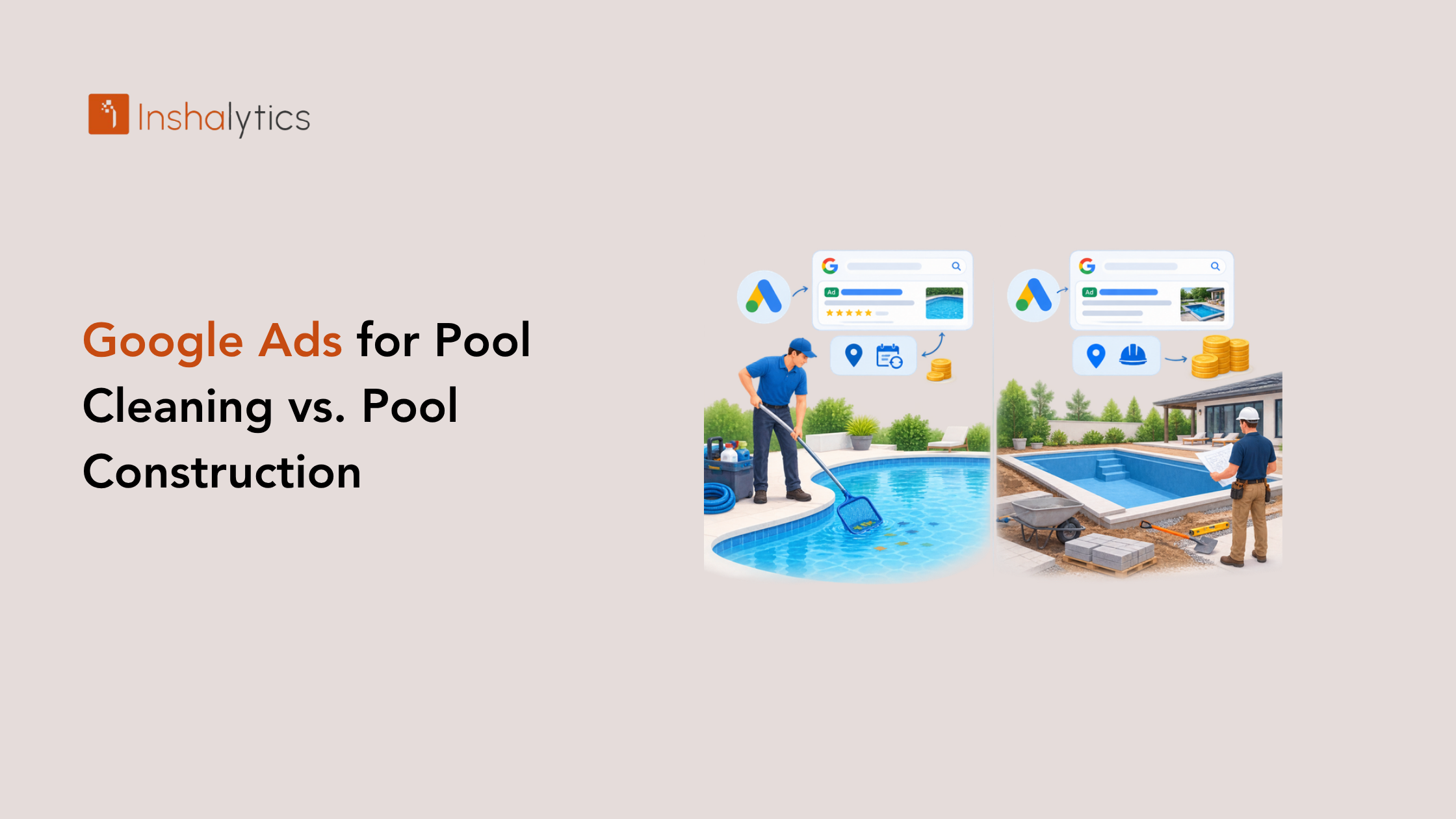
Both channels matter. Search typically converts faster, while social reaches more homeowners earlier. If you already run search, our breakdown of Google Ads for cleaning versus construction shows where those dollars go, and Meta fills the gap above it.
Which pool services fit Meta ads best
Not every service earns its place in a feed. Resurfacing, remodels, new builds, tile and coping upgrades, and equipment replacements all show a visible transformation or a clear benefit. Those are your best candidates.
Routine weekly cleaning is harder to sell through an image. It can work with a simple local offer, but start with the jobs that look dramatic. Pick one or two high-value services first, and let the results tell you where to expand.
Why Do Before/After Resurfacing Visuals Convert?
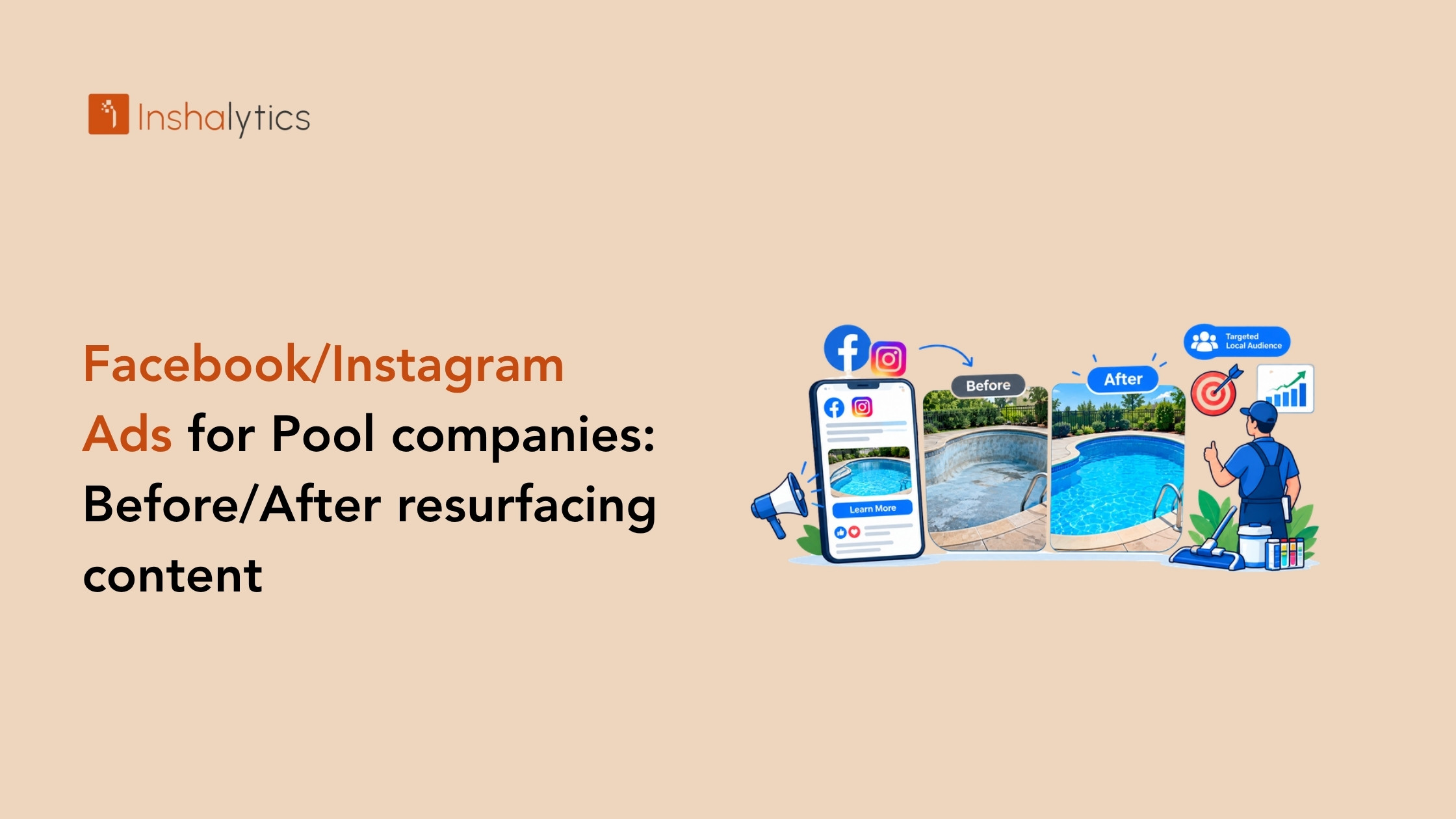
Before/after resurfacing visuals convert because they prove a result in a single glance. A homeowner sees a stained, rough surface beside a clean, smooth one and understands the value instantly. The comparison replaces long explanations, builds trust through evidence, and makes the price feel tied to a visible outcome.
What homeowners need to see before booking
Homeowners want proof of three things: the problem is fixable, your crew does clean work, and the finish matches what they want. A strong before/after answers all three.
Show the same angle in both shots so the change is obvious. Include the finish color and texture, since that is what people picture in their own pool. Add a short caption naming the service and the town, such as a resurfacing in your service area. Local detail tells viewers you work near them.
Photo, video and carousel formats
Each format does a different job, so use all three.
- Single image. A side-by-side before/after is the simplest and often the quickest to produce.
- Short video. A 15 to 30 second clip showing the drained, damaged pool and the finished result adds motion and personality.
- Carousel. Swipe through stages: the damage, the prep, the application and the finished pool.
Start with the single image and the video. Add a carousel when you have a full job documented. Vertical video suits Reels and Stories, so shoot with that in mind.
Capturing great before/after footage on every job
The best creative comes from a habit, not a photo shoot. Make capturing footage part of every job so you never scramble for material later.
Before work starts, have a crew member shoot photos and a vertical video from fixed spots, like each corner of the deck. When the job finishes, return to those exact spots. Shoot in daylight with the water clear, and wipe the lens first. Ask the homeowner for permission before posting anything that shows their property. Over a season, this routine builds a library you can pull from for every campaign.
How Do You Build Facebook and Instagram Ads for Pool Resurfacing?
Building these ads involves choosing a local audience, pairing your before/after creative with a clear offer, and sending leads to a form or landing page that makes responding easy. Keep the setup simple at first. A tight local campaign with one strong job beats a complicated one you cannot manage.
Audience and local targeting setup
Start with geography. Target the towns and zip codes you actually serve, and keep the radius realistic for your crew’s drive time. A homeowner outside your area is wasted spend.
Meta’s broad targeting works well for local services because the platform finds likely buyers on its own, so avoid stacking dozens of narrow interests. Focus on homeowners in your service area and let your creative do the filtering. A before/after of a pool naturally attracts people who own pools. Review where your leads come from after a few weeks and tighten the map if needed.
Ad copy and offers that pair with before/after creative
Your image carries the proof, so the copy should be short and specific. Name the service, the area and the next step. Lead with the problem the homeowner recognizes, like a rough, stained surface, then point to the result.
Pair the creative with an offer that lowers the barrier to a first conversation, such as a free on-site inspection or a no-pressure estimate. Skip vague promises. Say what happens when they respond: you will look at the pool, explain the options and give a clear quote. Our guide to pool resurfacing and equipment keywords is also a good source of the language homeowners already use.
Lead forms vs. landing pages
Meta’s built-in lead forms keep people inside the app, which makes submitting easy and usually produces more leads. The trade-off is that some are low-intent, since a tap is all it takes.
A dedicated landing page asks for more effort, so fewer people respond, but they tend to be more serious. A strong page also lets you show more photos and explain your process. Read our guide on building a landing page before you send paid traffic to one. If you are unsure, test both against the same ad and compare booked jobs, not just form fills.
Facebook and Instagram Ads for Pool Companies: Budget and Testing
Social campaigns reward patience and disciplined testing. Set a budget you can hold steady, change one thing at a time, and make decisions from booked jobs rather than hunches.
Starting budget and learning phase expectations
Choose a monthly amount you can sustain for at least two to three months, because Meta needs time to learn who responds to your ads. During that learning phase, results can swing from day to day. Resist the urge to edit the campaign daily, since every major change can restart the learning.
Think in terms of cost per booked job, not cost per click. A resurfacing job is high ticket, so a lead can cost more and still be profitable. Our post on pool cost per lead explains how to judge that number fairly.
Creative testing plan
Test one variable at a time so you know what caused a change. Run two or three ads in the same campaign and compare them.
- Start with different jobs: a pool with dramatic staining versus a more subtle upgrade.
- Then test format: static before/after versus video.
- Then test the first line of copy and the offer.
Give each test enough time and enough spend to produce a real signal. Keep the winner, retire the loser and introduce a fresh challenger. This loop is how a campaign improves month after month.
When to scale or pause
Scale when leads are turning into booked jobs at a cost you can afford. Raise the budget in modest steps, not in one jump, so you do not shock the learning phase. Add new towns only after your current area performs.
Pause or rework an ad when its cost per booked job climbs well past your target after a fair test, or when the same people see it too often and engagement drops. Fatigue is normal. A new job photo is usually the fix.
How Do You Follow Up Leads from Social Ads?
Following up means contacting every social lead quickly, qualifying them with a few simple questions, and continuing to reach people who showed interest but did not book. Social leads are colder than search leads, so speed and consistency decide how many turn into jobs.
Response speed and qualification
A homeowner who tapped your ad is thinking about pools right now. Call or text within minutes, not hours. Slow replies hand the job to whoever answers first, and the first company to respond usually wins the estimate.
Qualify with a short script. Confirm the address is in your area, ask what they want done, and ask when they hope to start. Those three answers separate real projects from curiosity, and they protect your crew’s time on estimate day.
Retargeting website visitors and engagers
Many homeowners will not book on the first look. Retargeting lets you show ads again to people who visited your site, watched your videos or engaged with your page.
Use fresh creative for this group. A finished-job video, a short note about your process, or a recent project in their town keeps you in mind. Because these people already know you, retargeting often costs less per lead than cold traffic, and it gives slow deciders time to come around.
Tracking cost per booked job
Form fills do not pay your crew. Booked jobs do. Track each lead from the ad through the call, the estimate and the signed job, and note which campaign and creative produced it.
Ask every caller how they found you, and log it. Then divide your ad spend by booked jobs to get your true cost per job. Our guide to tracking lead sources walks through a simple system that works for any local service business, pool companies included.
How Inshalytics Runs Meta Ads for Pool Companies
Running Meta campaigns well takes creative judgment, careful setup and steady reporting. We handle those pieces through our pool company marketing services, so you can stay focused on the crews and the water.
Creative direction and ad setup
We start with the work you have already done. We help you pick the strongest resurfacing and remodel jobs, plan which angles to capture on future jobs, and shape them into photo, video and carousel ads. Then we build the campaign, from local targeting to copy and offer, and set up the tracking so every lead is attributed to the right ad.
Lead capture and handoff
Leads are only worth what you do with them. We connect forms and landing pages to your follow-up process, and our lead qualification and handoff support helps make sure real prospects reach you quickly while the weak ones are filtered out. Marketing automation can add instant text and email replies so no inquiry waits.
Reporting by service line
We report against calls and booked jobs, not vanity numbers. You see results broken out by service line, so you know whether resurfacing, remodels or equipment work earns the most from your budget. That clarity tells you where to put the next dollar, and it keeps the campaign accountable to your calendar.
Next Steps: Launching Your First Resurfacing Campaign
Facebook and Instagram ads for pool companies work best when the creative is real, the audience is local and the follow-up is fast. Your finished jobs are the asset. A steady testing habit and honest tracking turn that asset into a repeatable source of estimates.
Pre-launch checklist
Before you spend a dollar, confirm these basics:
- Three or more strong before/after photos or videos, with the homeowner’s permission.
- A clear offer, such as a free on-site inspection.
- A lead form or fast, mobile-friendly landing page that works on a phone.
- A named person who will respond within minutes, plus a missed call text-back so no lead goes cold. Our post on missed call text-back recovery explains why it matters.
- A way to log lead sources and booked jobs.
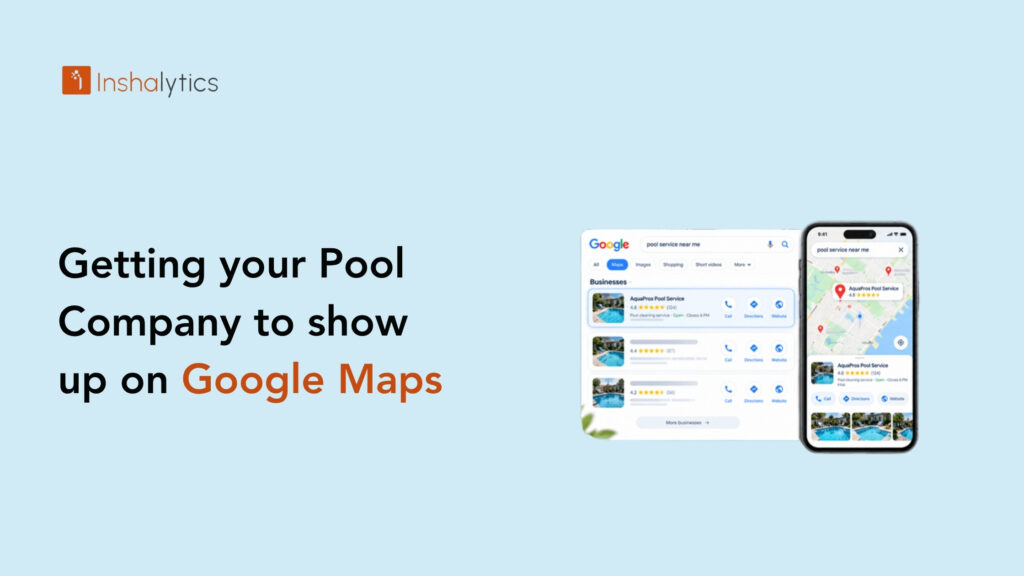
- A complete, accurate Google Maps listing, since homeowners will check you there after seeing your ad.
Request a Meta ads consultation
If you would rather not build this alone, we can help. Tell us about your best resurfacing jobs, and we will map out a Meta campaign that turns them into booked estimates. Request a Meta ads consultation whenever you are ready. Your next great before/after is already on your crew’s phone, and it can start filling your calendar this season.