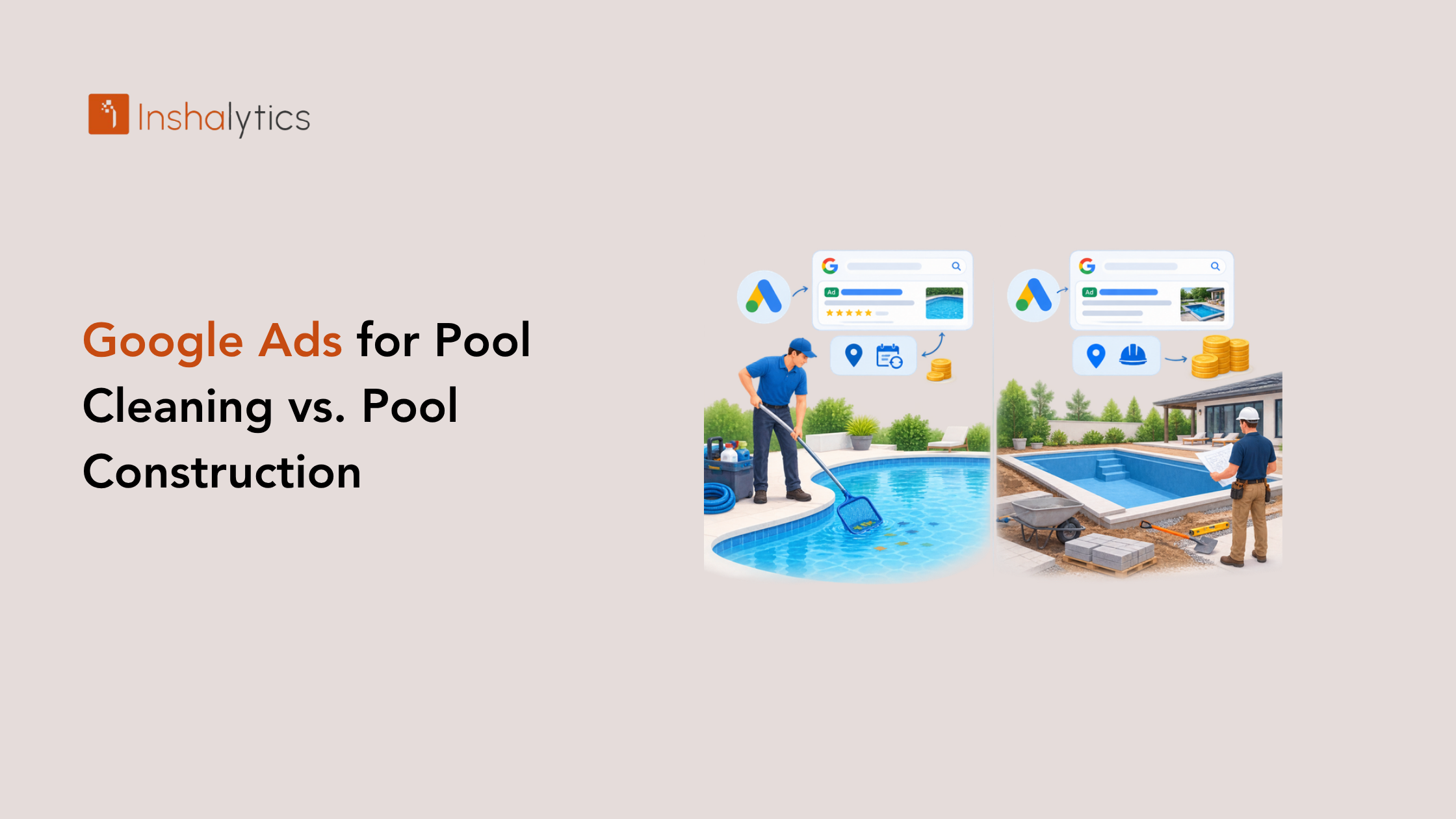
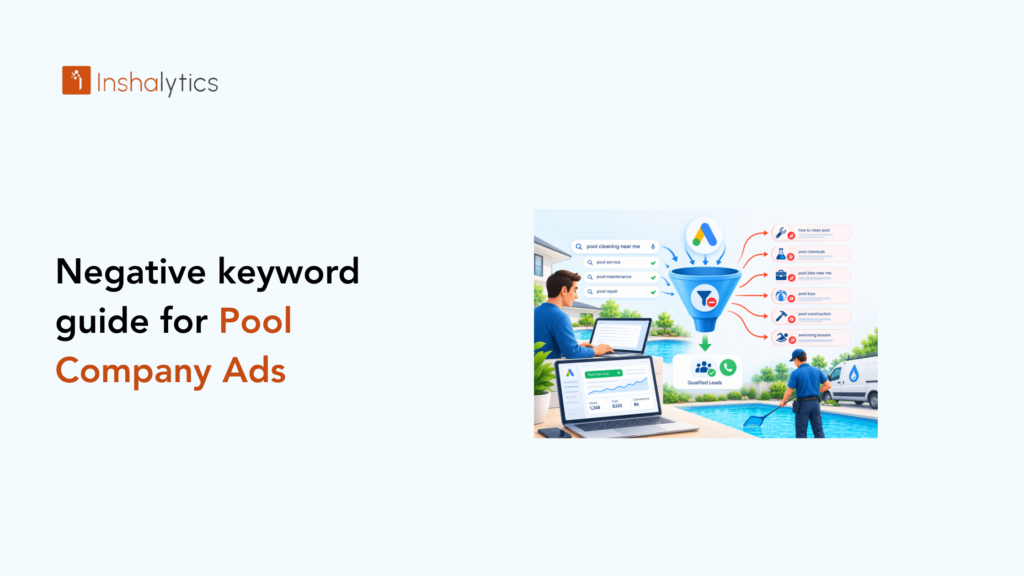
Someone searched “how to fix a green pool myself,” clicked your ad, read nothing, and left. You paid for that click, and they never planned to hire anyone. If that sounds familiar, your account needs a stronger set of negative keywords for pool company ads. Pool owners who want a DIY fix, job seekers, students, and billiards fans all type words that look close to your services, and Google will happily charge you for each one. This guide covers what negative keywords are, how match types and list levels work, which terms to block by intent, how to keep your service lines from fighting each other, and how to mine your search terms report. It ends with a copy-paste starter list you can load today.
What Are Negative Keywords in Google Ads?
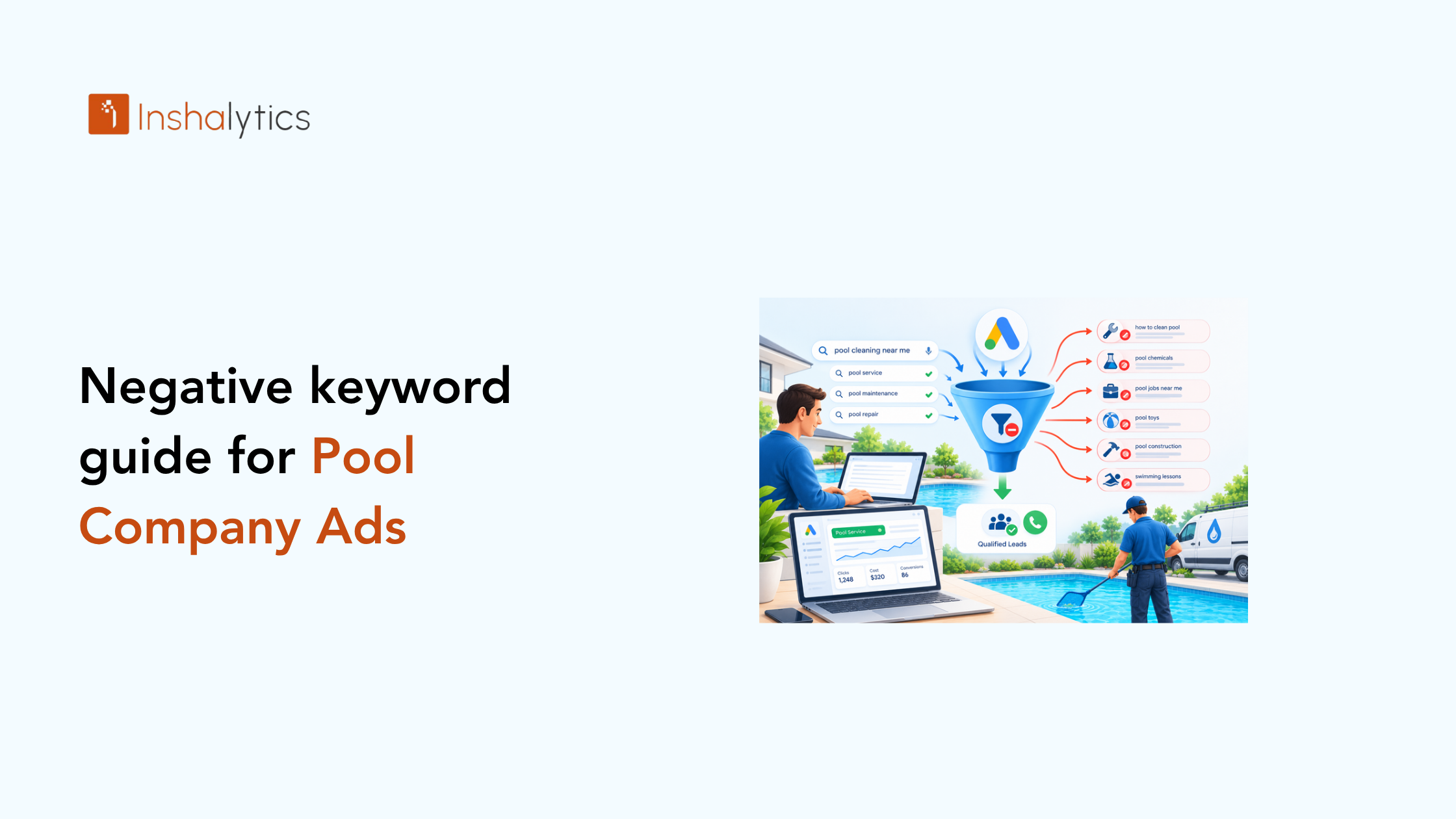
Negative keywords are words or phrases you tell Google Ads never to match your ads against. When a search contains one of them, your ad stays out of the auction. They filter out searchers with the wrong intent, so your budget goes to people who want to hire a pool company, not people who want free advice, a job, or a pool table.
A plain-English definition
Your regular keywords tell Google when to show your ad. Negative keywords tell Google when not to. If you add “diy” as a negative, an ad for “pool cleaning service” will not show for “diy pool cleaning tips,” even though the two searches share words.
How negative keywords protect a pool company’s budget
Every click costs money, and a click from the wrong searcher costs the same as one from a buyer. Your daily budget is finite, so wasted clicks use up budget before the right searchers arrive. Cleaner traffic also gives Google’s bidding systems better signals about who converts.
The same logic applies in every local trade. Our breakdown of how much electricians should spend on Google Ads makes the point that budget size matters less than how much of it reaches buyers. Negatives are the cheapest way to raise that share.
Examples of wasted spend from a missing negative list
Picture a resurfacing campaign running on broad match with no negatives. Your ad can appear for “pool resurfacing jobs,” “pool plaster paint colors diy,” and “pool resurfacing course.” None of those people will request a quote.
A cleaning campaign has its own leaks: “pool cleaning robot reviews” and “pool cleaner salary.” Each click is small, but they repeat daily.
Match Types and List Levels for Pool Company Negative Keywords
Negatives behave differently from regular keywords, and the biggest mistakes come from misunderstanding that. Match type controls how tightly a block applies, and list level controls how far it reaches across your account. Get both right and you can block bad traffic without accidentally blocking good leads.
Broad, phrase, and exact negatives
A broad match negative blocks a search only when it contains every word of the negative, in any order. Negative “pool jobs” blocks “jobs at a pool company” but not “pool cleaning.” Google does not expand negatives to synonyms or close variants, so you must list singular, plural, and misspelled forms yourself.
A phrase match negative blocks searches containing the exact phrase in order, such as “swim lessons.” An exact match negative blocks only that exact search with nothing added, which makes it the safest choice for terms that sometimes come from buyers.
Use broad for single-word junk like “diy,” phrase for multiword terms, and exact for borderline searches.
Account-level vs. campaign vs. ad-group lists
Account-level negatives apply to every campaign, so they suit universal junk such as “jobs,” “salary,” and “diy.” Campaign-level negatives apply to one campaign and suit service-specific blocks. Ad-group negatives apply to one ad group and help you steer a search to the right ad.
Shared lists let you build one list, like “Jobs and Training,” and attach it to several campaigns. Keep the global list short and certain, and move anything service-dependent to the campaign level.
How to add negative keywords step by step
Here is how to add negative keywords in Google Ads:
- Sign in and open the campaign you want to protect.
- Click Keywords in the left menu, then select Negative keywords.
- Click the plus button and choose whether to add at the campaign or ad group level.
- Type one term per line, using quotation marks for phrase match and brackets for exact match.
- Save, then repeat for any shared list under Tools and Shared library.
For account-level negatives, open the account settings in the left menu and add them there.
What Negative Keywords Should a Pool Company Use?
A pool company should block searches that signal no intent to hire: do-it-yourself, job and training seekers, retail and rental shoppers, public pool users, and out-of-area searchers. Group them by intent so you can add and audit them in batches. The categories below are a starting point you tune to your services.
DIY and how-to searches
These searchers want free instructions. Start with:
- diy
- how to
- tutorial
- youtube
- yourself
- do it yourself
- instructions
- step by step
Never block “cost” or “price.” Those belong to buyers.
Job seekers and training
People looking for work or credentials cost you money and send nothing back. Block:
- jobs
- hiring
- careers
- salary
- employment
- course
- training
- certification
- apprenticeship
- school
Retail, supplies, and rental searches
Someone shopping for chemicals or equipment wants a store, not a technician. Block:
- wholesale
- replacement parts
- supplies
- for sale
- buy
- cheap
- used
- rental
- rent
- coupon
Out-of-area and public pool searches
Public pools and other regions generate clicks you cannot serve. Block:
- public pool
- community pool
- swim lessons
- swim team
- hours
- lap swim
- hotel
- every city and state outside your service area
Also block billiards terms: “pool table,” “pool cue,” “pool hall,” and “pool league.” They are some of the most common wasted clicks in the industry.
Negative Keywords by Service Line: Cleaning, Construction, Resurfacing, Repair
Pool companies rarely sell one thing. Cleaning, construction, resurfacing, and repair attract different buyers, and a term that is junk for one service can be gold for another. Each campaign needs its own negatives, and you need a plan for the overlap.
Negatives that protect cleaning campaigns
Cleaning and maintenance campaigns attract the most casual traffic. Block “build,” “new pool,” “installation,” “cost to build,” “resurfacing,” and “remodel,” so recurring-service budget does not chase one-time project searches. Add product-research terms like “robot,” “vacuum,” and “reviews” unless you sell equipment.
Keep “green pool” searches if you offer cleanup, because that is real buyer demand.
Negatives that protect construction campaigns
Construction and remodel campaigns serve high-value, long-cycle buyers, so protect them from low-ticket noise. Block “cleaning,” “maintenance,” “weekly service,” “chemicals,” “opening,” “closing,” and “repair.” Add “above ground,” “inflatable,” and “kiddie” if you build only in-ground pools.
Preventing cross-campaign keyword conflicts
Conflicts happen when one search could trigger two of your campaigns, or when a negative in one campaign blocks the keyword you want in that same campaign. Negative “repair” in a cleaning campaign is fine. Negative “repair” in the account-level list would silence your repair campaign.
Use campaign-level negatives to route each search to one campaign. Then check Google’s keyword conflict warnings regularly. The same routing logic appears in our post on Google Ads for handyman services, where several service types compete inside one account.
How to Use the Search Terms Report to Find New Negatives
A starter list catches the obvious junk, but your market will produce searches no list predicts. The search terms report shows the exact queries that triggered your ads, which makes it the best source of new negatives. Treat it as a standing routine, not a one-time cleanup.
A weekly review routine
Set aside 20 minutes each week and follow the same steps:
- Open the search terms report and set the date range to the last seven days.
- Sort by cost so the biggest spenders appear first.
- Mark each query as relevant, irrelevant, or unclear.
- Add irrelevant words as negatives at the right level and match type.
- Add new, valuable queries as exact match keywords.
- Note the unclear ones and revisit them after another week of data.
Add the offending word, not the whole query, so one bad search blocks a family of similar ones.
Red flags that signal wasted spend
Watch for patterns, not single queries. Spend on searches with question words like “why” and “can I” signals informational intent. Clicks with no calls or form fills signal poor fit. Searches naming a city you do not serve signal a location problem.
If a campaign spends heavily on clicks that never convert, check the landing page too. Our website conversion audit checklist helps you tell whether the problem is traffic or the page.
Pool Company Ad Management Without the Wasted Spend
Maintaining negative lists is steady, detail-heavy work, and it competes with running crews, quoting jobs, and managing seasons. Some owners handle it well in-house. Others find the weekly review slips the moment the schedule gets busy, and wasted spend creeps back.
How Inshalytics builds and maintains negative lists
We start with the services you actually sell and the areas you actually cover. From there we build a layered structure: a short account-level list, shared lists by intent category, and campaign-level negatives for each service line. Then we run the search terms review on a recurring schedule and update the lists as your search data grows.
This is one part of our lead generation work, where the goal is more qualified inquiries, not more clicks. This is the method we would apply to your account.
Intent filtering and lead-quality checks
Negatives filter intent before the click. Lead-quality checks confirm it after. We would review the calls and form submissions that come in, compare them against the search terms that produced them, and flag patterns. If a phrase brings many inquiries but few real jobs, it becomes a candidate for a negative or a tighter match type.
When to hand over account management
Consider handing it over when the weekly review keeps getting skipped, when you run several service lines that conflict, or when you cannot say which searches produced your last ten leads. It also makes sense when seasonal swings make budget decisions harder.
Copy-Paste Pool Negative Keyword List
Use the table below as a starting point. It groups terms by intent, so you can paste each group into a shared list and attach it only where it fits. Review every term against your own services before you apply it.
Starter list by category (table)
| Category | Negative keywords to paste | Suggested match type | |—|—|—| | DIY and how-to | diy, how to, tutorial, youtube, yourself, do it yourself, instructions, step by step | Broad | | Jobs and careers | jobs, hiring, careers, salary, employment, apprenticeship, resume | Broad | | Training and education | course, training, certification, school, degree, class | Broad | | Retail and supplies | wholesale, replacement parts, supplies, for sale, used, coupon, parts | Broad or phrase | | Rentals | rental, rent, rent a pool, party rental | Phrase | | Public and commercial pools | public pool, community pool, swim lessons, swim team, lap swim, hours, hotel | Phrase | | Billiards confusion | pool table, pool cue, pool hall, pool league, billiards, 8 ball | Phrase | | Product research | robot, vacuum, reviews, best, vs, manual | Phrase, review first | | Free and low intent | free, wiki, definition, meaning, pdf | Broad | | Wrong pool type | inflatable, kiddie, above ground, intex, hot tub, spa | Phrase, if you do not serve them |
How to adapt it to your market
Remove any term that matches a service you offer. If you install above ground pools, delete that row. If you sell a maintenance plan, you may want “weekly” and “monthly” as keywords, not negatives.
Add your geography next. List the cities, counties, and states outside your service area, and add neighboring towns you will not drive to. Finally, load the list, wait a week, and start the search terms routine so the list keeps improving.
Stop Paying for Clicks That Never Become Pools
Good negative keywords for pool company ads come down to three habits: block by intent, match carefully, and review every week. Start with the table, protect each service line with its own list, and let the search terms report teach you what your market really types. Each term you block moves budget toward homeowners who are ready to hire.
If you would rather have a team build and maintain this for you, we can help. Contact Inshalytics and we will review how your ads are set up, where your budget leaks, and what a cleaner account would look like. Your next season starts with the searches you decide not to pay for.