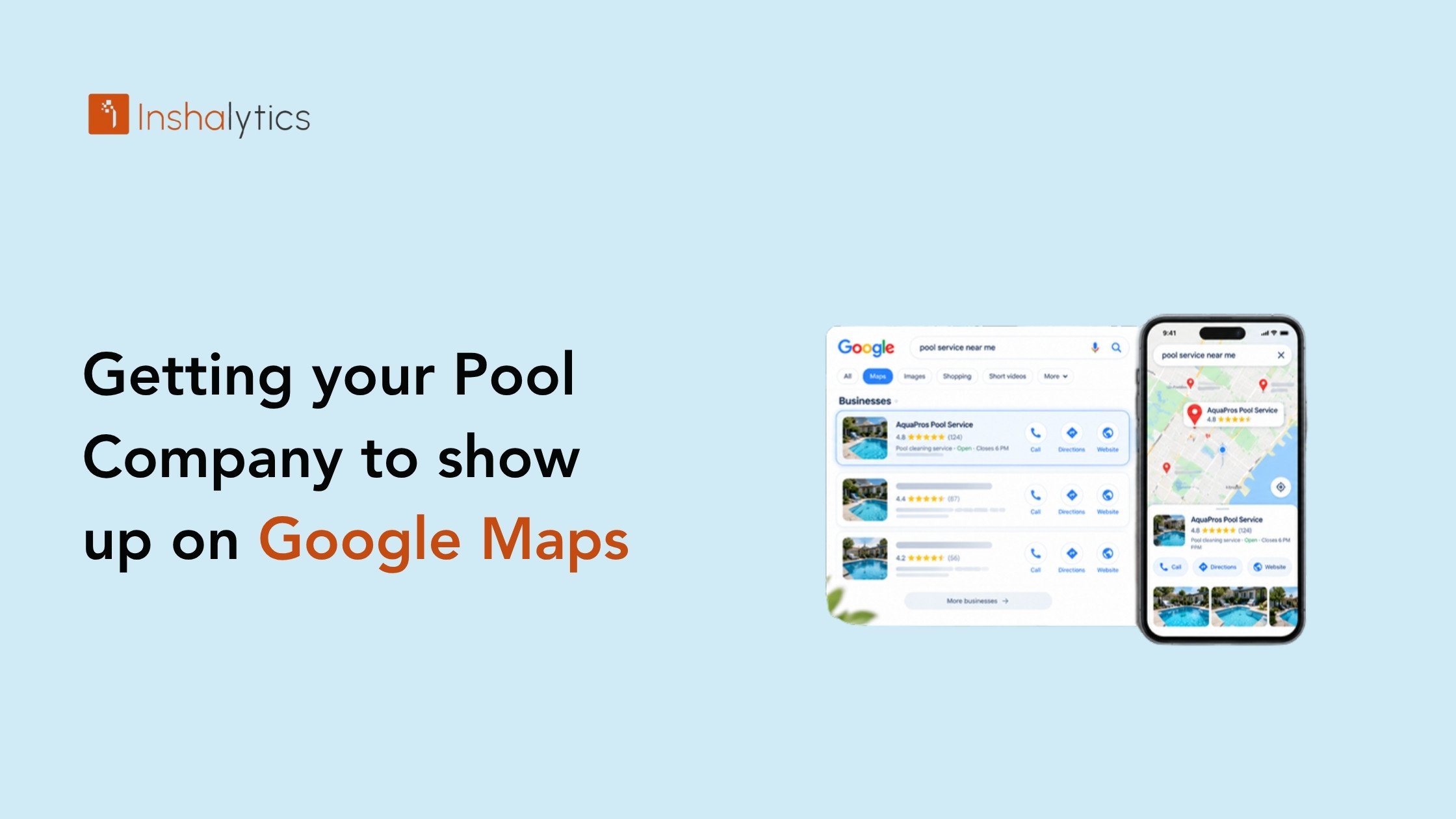
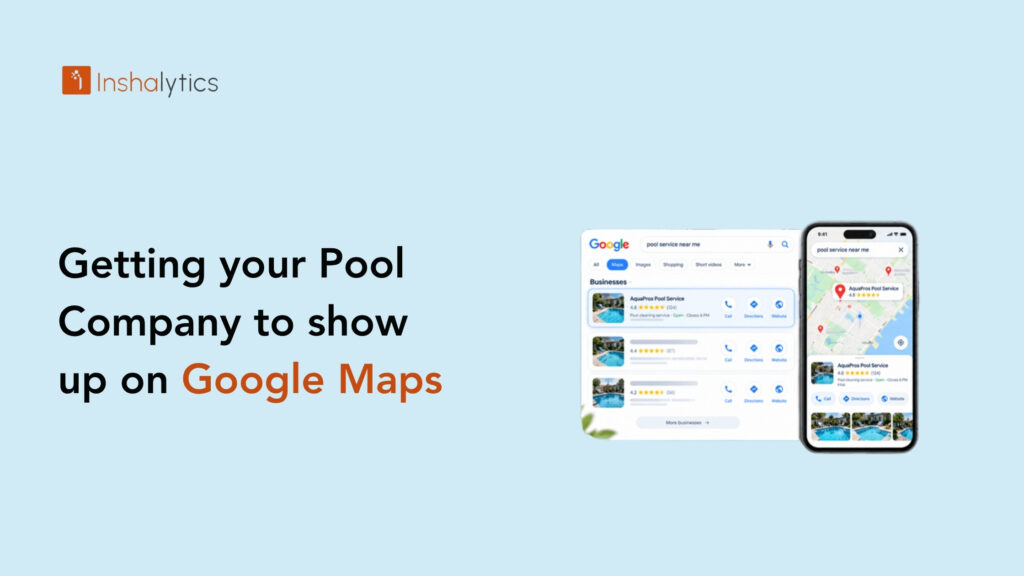
A homeowner’s pump dies on a Saturday morning, and they pull out their phone and search “pool repair near me.” Three businesses appear on the map. If yours isn’t one of them, that call goes to a competitor before you ever hear about it. Getting your pool company on Google Maps is one of the most direct ways to put your phone number in front of people who need a pool pro right now. This guide shows you why companies get left off the map, how to get listed, how to climb higher, and how to measure whether it’s paying off.
Why Your Pool Company Isn’t Showing Up on Google Maps
Most pool companies that miss the map have the same handful of problems, and nearly all of them are fixable. Before you change anything, figure out which one applies to you.
Unclaimed, unverified or suspended profiles
Google often creates a listing for your business from public data, whether you asked for it or not. If nobody has claimed that listing, you can’t edit it, answer reviews or add photos. An unverified profile has the same limits, and Google generally won’t show it prominently.
Suspended profiles are the third case. A suspension usually follows a guideline violation, such as a business name stuffed with keywords or an address that doesn’t match your real setup. Google publishes its guidelines for representing your business on Google, and reading them is the fastest way to find what tripped the flag.
Search your company name on Google Maps today. If you see a listing you don’t control, claiming it is your first job.
Wrong categories and incomplete information
Google decides which searches your profile matches largely from your categories and the details you fill in. A pool company listed only as “Swimming pool contractor” may never appear for “pool cleaning service,” and the reverse is also true.
Gaps hurt too. Missing hours, no services list, no description and a handful of stale photos all signal a profile nobody maintains. Google explains that local results rely mainly on relevance, distance and prominence. Relevance is how well your profile matches the search, and incomplete profiles lose that match before the contest starts.
Service-area businesses and hidden addresses
Most pool companies travel to the customer, so you’re a service-area business. Google lets you hide your street address if customers don’t visit you, which is the right move for a home-based operation. Hidden addresses are fine, but they change how you show up.
Many owners hide the address and then forget to set a service area, or they list so many cities that the profile looks unreliable. Our post on setting your service area correctly was written for handyman businesses, but the same rules apply to a pool route. List the areas you actually serve, and keep that list honest.
How Do You Get Your Pool Company on Google Maps?
Getting on Google Maps means creating or claiming a Google Business Profile, verifying that you own the business, and filling out the profile with accurate details. The process is free and usually takes a day or two of effort spread over a short wait for verification. Here’s the order to follow.
Claim or create your Google Business Profile
Go to Google Business Profile and search for your business name. If a listing exists, choose to claim it. If it doesn’t, create a new one using your exact legal or public business name, with no added keywords or city names.
Choose whether customers visit you or you travel to them. Most pool service and repair companies pick the second option. Pool builders with a showroom or design office may choose both.
Check for duplicates before you finish. Two listings for one business split your reviews and confuse Google, so ask for duplicates to be removed or merged. Our Google Business Profile guide walks through the full setup screen by screen.
Verify your listing
Verification proves to Google that you control the business. Depending on your business, Google offers options such as a postcard, a phone call, a text, an email or a short video. Use whichever it gives you.
If you’re asked for a video, show your real equipment: your truck with signage, your tools and test kits, and proof you operate in your area. Keep the footage continuous and clear.
Don’t try to verify with a fake address or a virtual office. That is a common cause of the suspensions described above. Once you pass verification, your profile can appear in Maps and Search, and you can edit everything.
Set service areas and hours correctly
Add the cities, towns or ZIP codes you serve, starting with where your trucks run most days. Keep it realistic. A weekly cleaning route covers a tighter area than a one-off pool build, and your profile should reflect the work you want.
Next, set hours that match reality. If you answer calls from 7 a.m. to 6 p.m., say so. Add special hours for holidays and your slow season, because wrong hours send customers away and invite bad reviews. Callers who find a closed business on a hot Saturday rarely call back.
How Do You Rank Your Pool Company Higher on Google Maps?
Ranking higher on Google Maps means improving the signals Google uses to order local results: relevance, distance and prominence. You can’t change how far you are from a searcher, but you can strengthen the other two. A complete, active profile with strong reviews is your best lever, and it’s what the local pack rewards.
Primary and secondary categories for pool services
Your primary category carries the most weight, so choose it for the work you most want. If most of your revenue comes from weekly maintenance, “Swimming pool repair service” or a cleaning-focused category may fit better than a general contractor label. If you build pools, use a builder category.
Then add secondary categories for the other work you do, such as repair, resurfacing or equipment installation. Only add what’s true. Padding your profile with categories you don’t offer invites mismatched calls and can draw a policy flag.
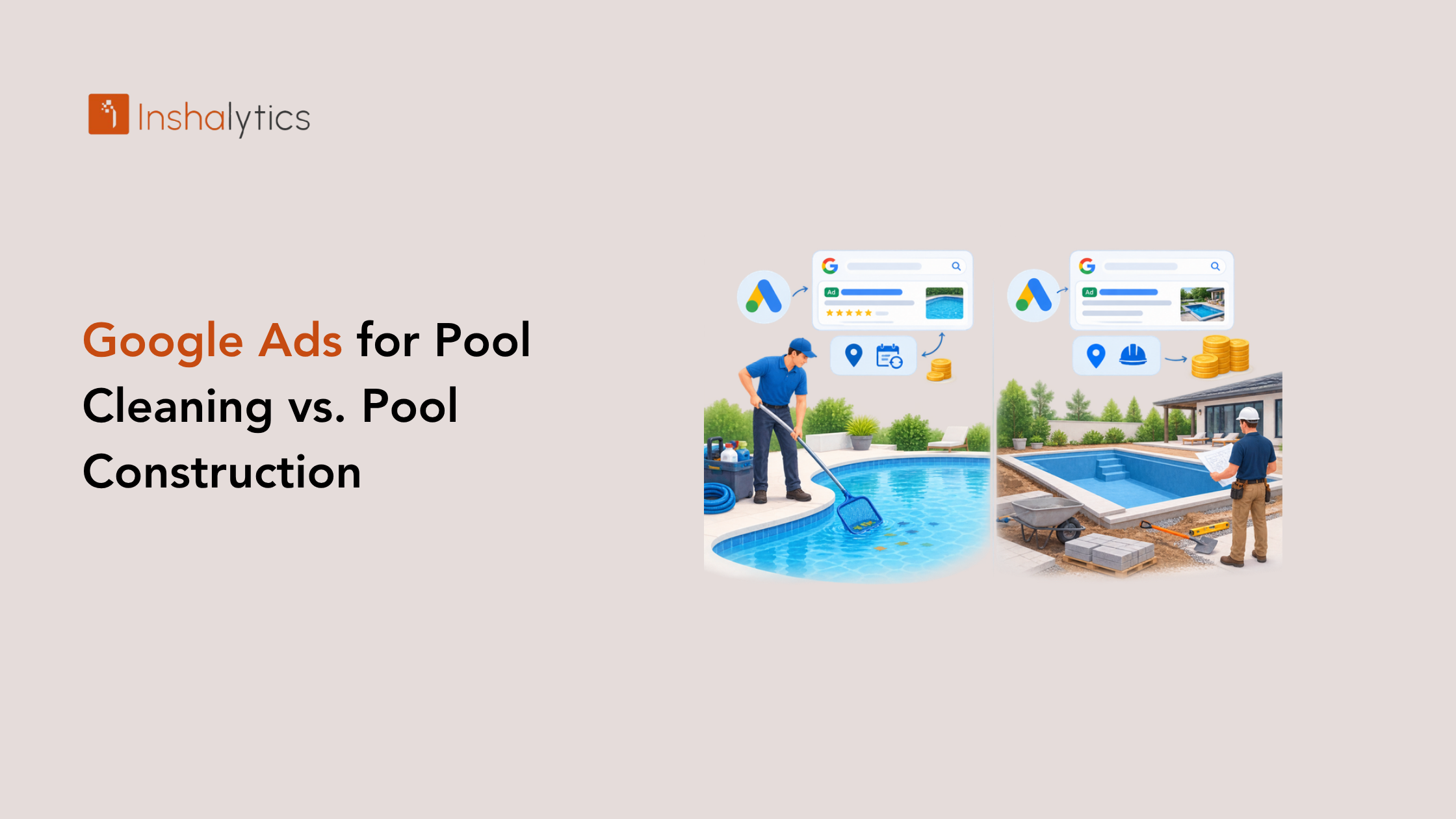
Test it. Search the terms customers use and see which categories the top-ranked competitors have chosen. Cleaning and construction customers search differently, which we cover in our look at Google Ads for pool companies.
Photos, posts and services that build relevance
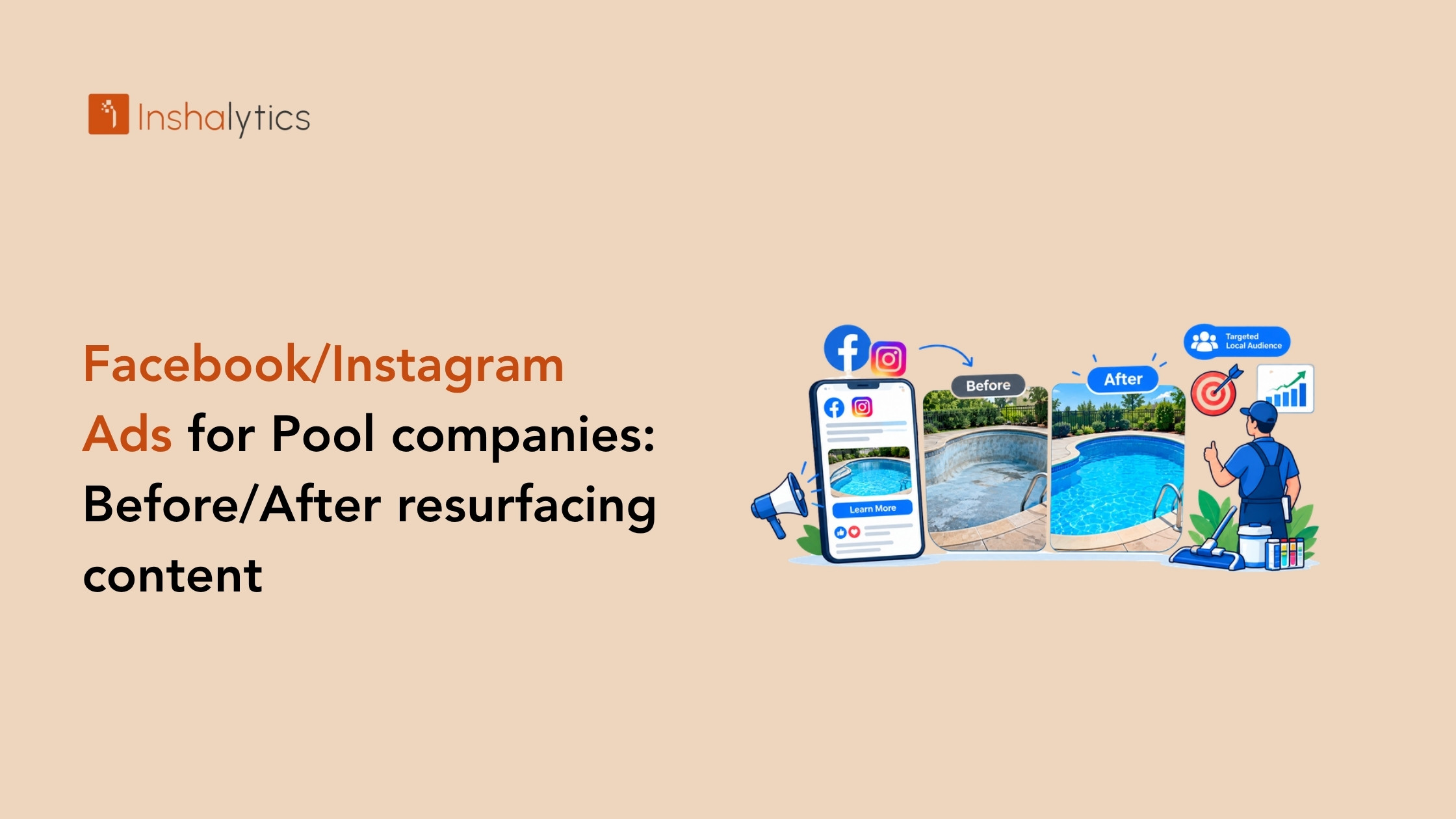
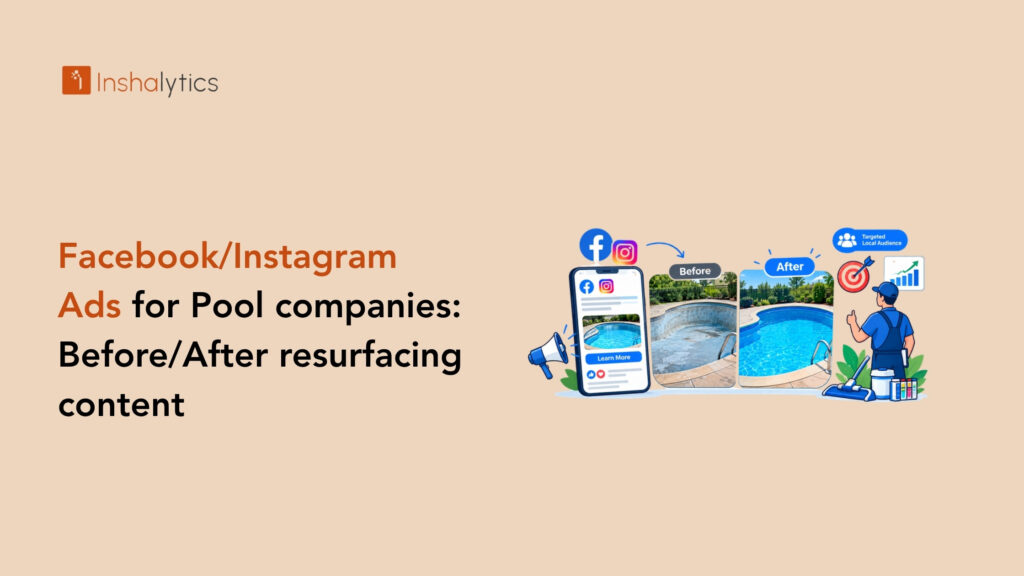
Photos show a homeowner what hiring you looks like. Upload clear shots of your team, your trucks, finished work and before-and-after results. A green pool turned clear tells the story faster than a paragraph. Avoid stock images.
Fill in your services list with the actual jobs you do: weekly cleaning, green-to-clean recovery, filter service, pump replacement, resurfacing, leak detection. Add a short description for each. Then post updates regularly, such as opening-season specials or a recent project, so the profile shows ongoing activity.
None of this guarantees a position. What it does is give Google more accurate information to match you with the right searches, and give homeowners more reasons to call.
Reviews: getting them and responding
Reviews feed prominence, and they also decide whether a homeowner picks you once they see you. Ask every happy customer, ideally right after a job goes well. Send a direct link by text so leaving a review takes under a minute.
Build the ask into your routine. Your technician mentions it at the end of a visit, and your office follows up with the link the same day. Don’t offer discounts or gifts in exchange for reviews, because that violates Google’s policies.
Reply to every review, good or bad. Thank the happy customers by name and mention the service. For a negative review, stay calm, apologize where it’s due and offer to make it right by phone. Future customers read your replies as closely as the review.
Pool Company Google Maps Ranking: Website and Citation Signals
Your profile doesn’t work alone. Google also looks at what the rest of the web says about your business, and a weak website can hold back a strong profile. Three outside signals deserve your attention.
Location and service pages that support your profile
Your profile links to your website, so that page matters. Build a dedicated page for each core service, such as pool cleaning, pool repair and pool resurfacing, plus a page for each major city you serve. Each page should describe the work, the area, your process and a clear way to call or request a quote.
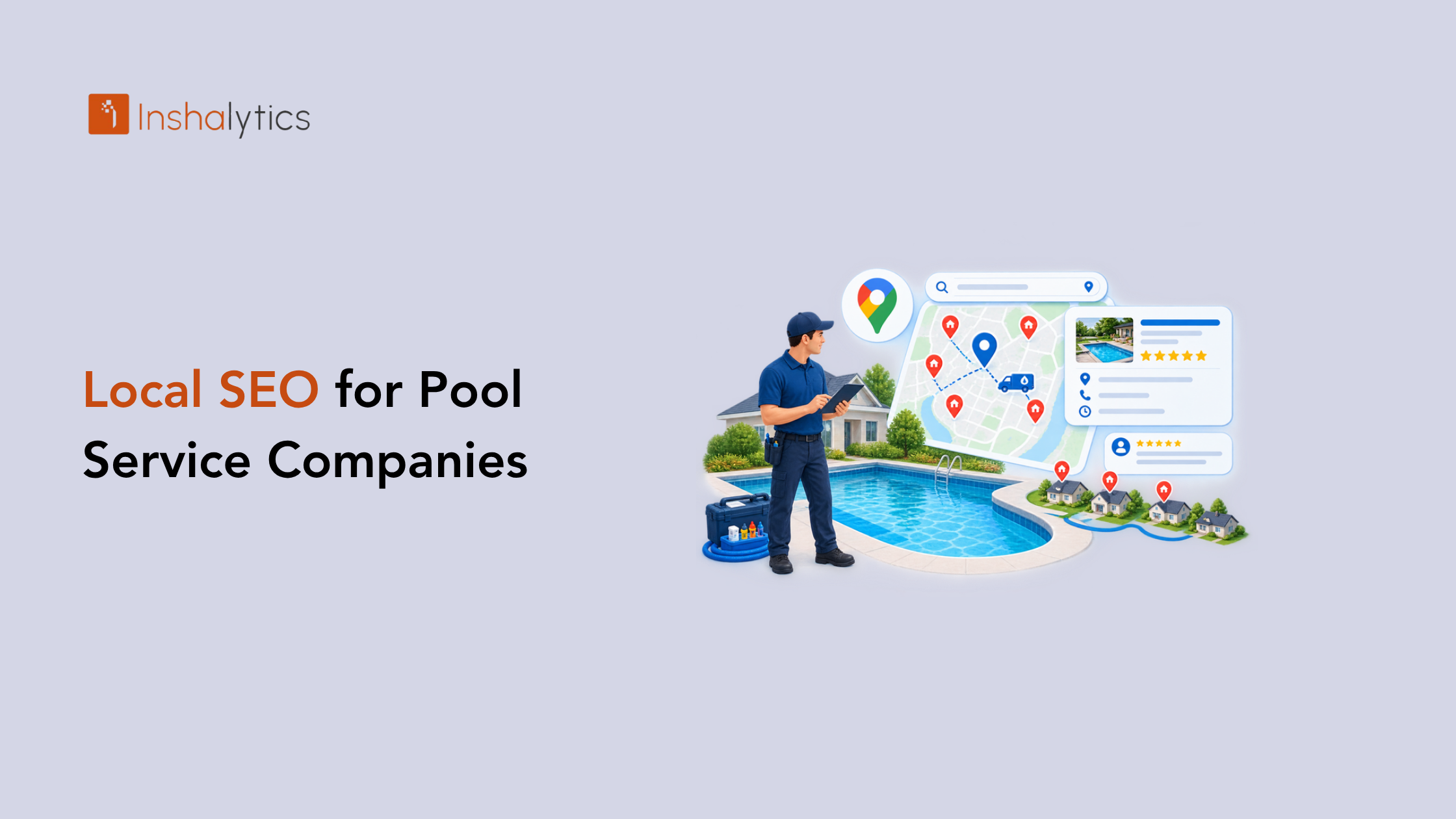
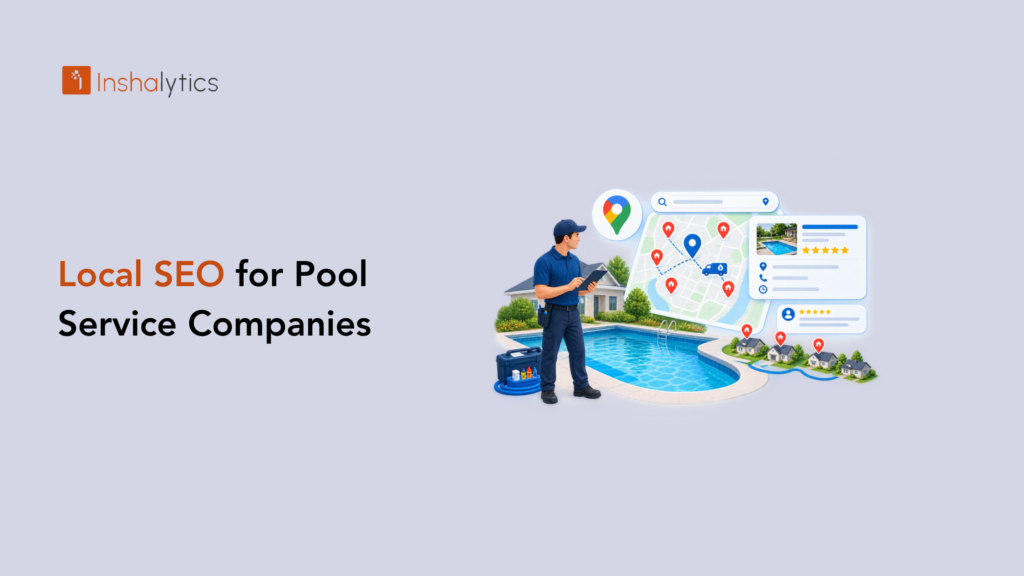
Avoid copying the same text across every city page with only the town name swapped. Write something useful for each: local water conditions, common problems for pools in the area, the neighborhoods you serve. Our guide to local SEO for pool service companies covers how these pages fit together.
Consistent business listings
A citation is any mention of your business name, address and phone number online, such as directories, chambers of commerce and industry sites. Google compares them. When your name, address or phone number differs from one listing to the next, it creates doubt about which details are right.
Audit the main directories and fix mismatches. Use the exact same business name, phone number and address format everywhere, including on your website. If you run a service-area business with a hidden address, keep that consistent too. We explain the details in our post on NAP consistency for local SEO.
Local links and mentions
Links from local sources tell Google that real people and organizations recognize your business. Think of the local news site that covered your community pool project, the supplier that lists you as a dealer, the HOA or builder that recommends you, or a sponsorship of a youth swim team.
You don’t need dozens. A few relevant, local links beat many random ones. Start by asking your suppliers, manufacturers and community partners whether they have a “find a pro” or partners page, and request a listing.
How Do You Track Whether Google Maps Is Bringing in Pool Customers?
Tracking Google Maps performance means measuring the actions people take from your profile, such as calls, direction requests and website clicks, and connecting them to booked jobs. Rankings alone don’t pay bills. A call that turns into a signed weekly route does, so measure the path from view to revenue.
Profile insights: calls, directions, clicks
Google Business Profile shows how people found your listing and what they did next. Look at the number of calls, direction requests, website clicks and messages, and watch how each changes month over month.
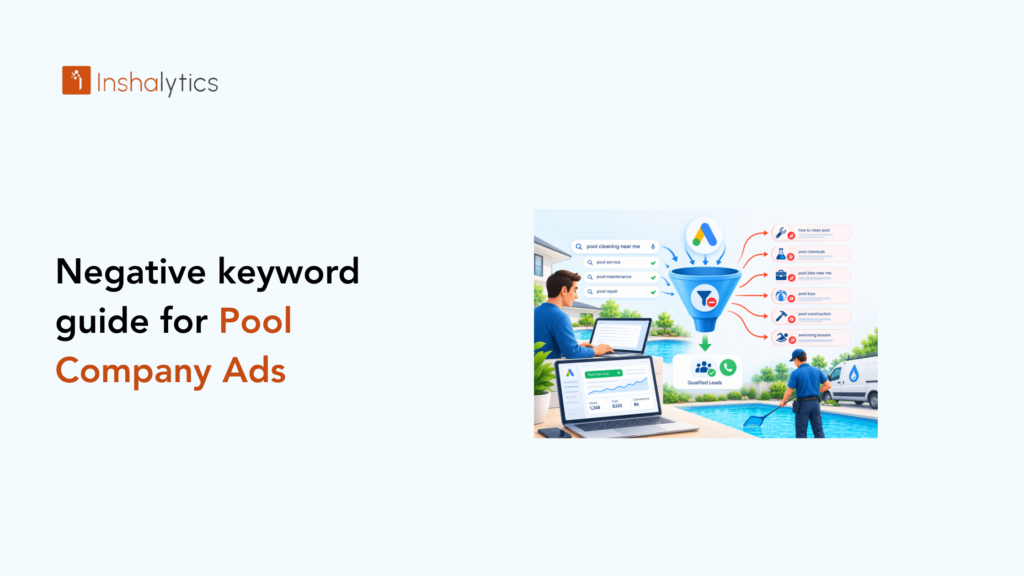
Pay attention to the search terms that surface your profile. If you want more repair work but the terms are mostly about cleaning, your categories or services need adjusting. Review these numbers monthly and note what you changed so you can link cause and effect.
Call tracking and UTM tagging
Insights tell you someone called. They don’t tell you whether the call became a job. A tracking phone number on your profile, set up to forward to your main line, lets you record and count calls from Maps separately from your website or ads.
For web traffic, add UTM tags to the website link in your profile. A tag marks those visits as coming from your profile, so your analytics can separate them from other organic search. Then ask every new customer how they found you. The answer will confirm what the data suggests, or correct it.
Reporting for service vs. construction work
A weekly cleaning customer and a new pool build are different businesses. One pays a modest monthly amount and stays for years. The other is a large, one-time project with a long decision cycle. Lumping them together hides what’s working.
Track calls and booked jobs for each line separately. Say your maintenance calls double while construction inquiries stay flat. That tells you where to adjust categories, service pages and photos. Understanding how homeowners choose a pool service company also helps you decide what to emphasize for each audience.
How Inshalytics Gets Pool Companies Found on Google Maps
Everything above is work you can do yourself, and many owners should start there. The challenge is time. Between routes, repairs and estimates, profile upkeep, review requests and listing cleanups slip. That is where we step in.
At Inshalytics, we work with local service businesses, and our pool maintenance industry page shows how we approach pool companies specifically. We report against calls and booked jobs, not just rankings, so you see what the work produces.
GBP audit and optimization
We start by reviewing your profile against what we covered here: claim and verification status, categories, service areas, hours, services, photos and duplicate listings. You get a clear list of what’s wrong and what to fix first.
Then we handle the optimization itself, from setting categories that match the work you want to writing service descriptions and keeping the profile current through the season. You stay focused on the pools.
Review generation systems
Reviews work best as a system, not an occasional favor. We help you set up a simple process for asking each customer at the right moment, sending a direct review link and responding to every review.
The goal is a steady flow of honest feedback from real customers, handled in a way that follows Google’s rules. We don’t buy reviews or use gimmicks.
Local SEO support behind the profile
A profile performs better when your website, citations and local content back it up. Our local and technical SEO work covers service and city pages, listing consistency and the tracking that connects calls to jobs. If you also run paid campaigns, we align them with your organic presence so both channels work together.
Next Steps: Your Google Maps Checklist
Getting your pool company on Google Maps comes down to a few steps done well: a verified profile, the right categories, real photos and reviews, a supportive website and consistent listings. Then you measure what happens and adjust. None of it requires a technical background, only steady attention.
A 7-step profile checklist
Work through these this week:
- Search your company name on Google Maps and claim or create your profile.
- Complete verification using the method Google offers.
- Choose your primary category for your main revenue source, then add accurate secondary categories.
- Set your service areas and hours, including holiday and seasonal changes.
- Add real photos and a full services list with short descriptions.
- Send a review link to your last ten happy customers and reply to every existing review.
- Check your name, address and phone number across your top directories, and add call tracking and UTM tags.
If you want a second set of eyes on your Google Business Profile before the next season starts, we can help.
Request a local visibility audit
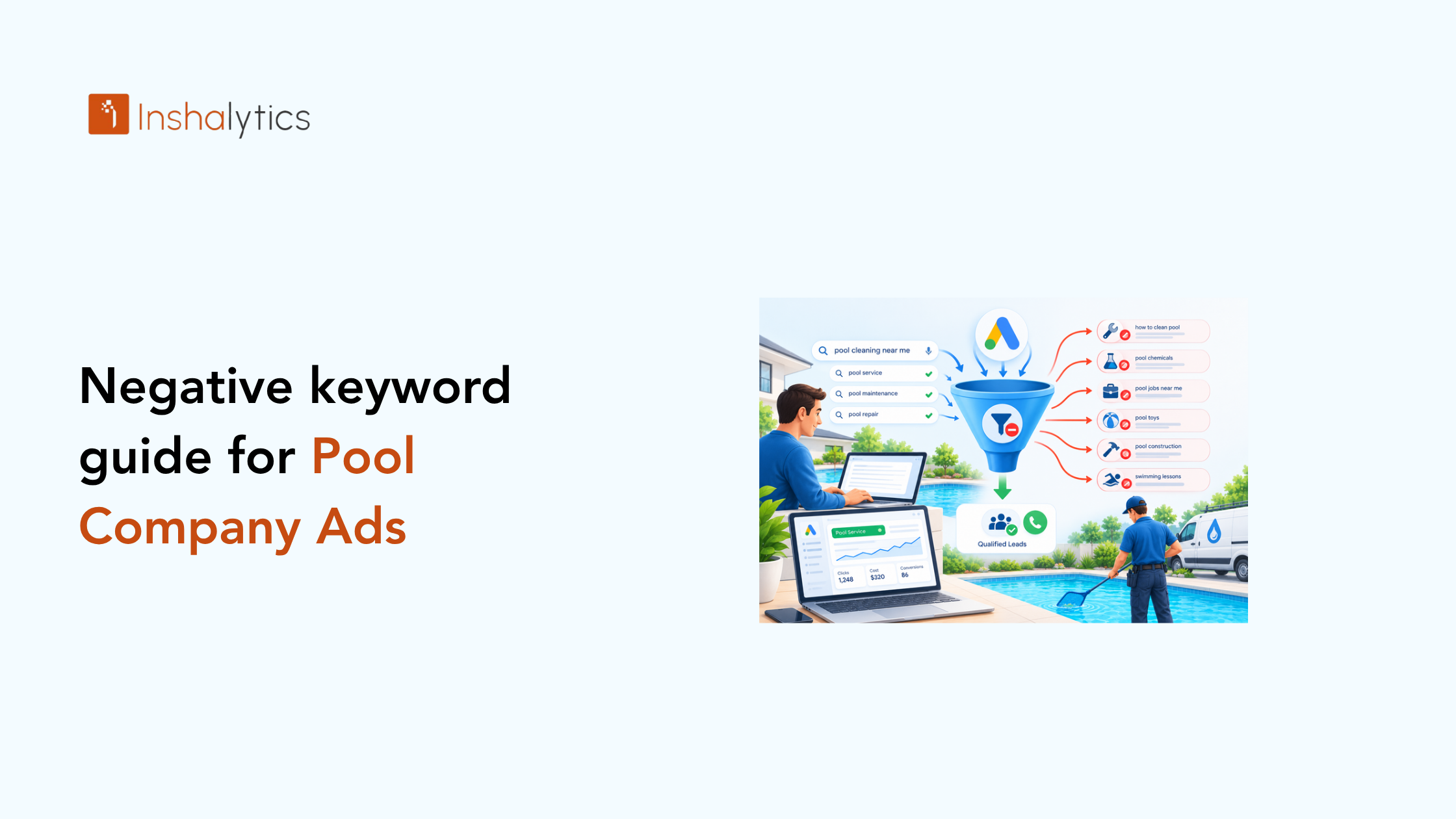
Related reading: Negative Keywords for Pool Company Ads: The 2026 Guide
If you’d like to see where your company stands today, we’ll run a free Google Maps visibility check for your pool company. We’ll show you how your profile appears, which searches you’re missing and what to fix first. There’s no obligation, and you keep the findings either way. Contact us to request yours. Pool season rewards the companies that are easy to find, and you can be one of them.