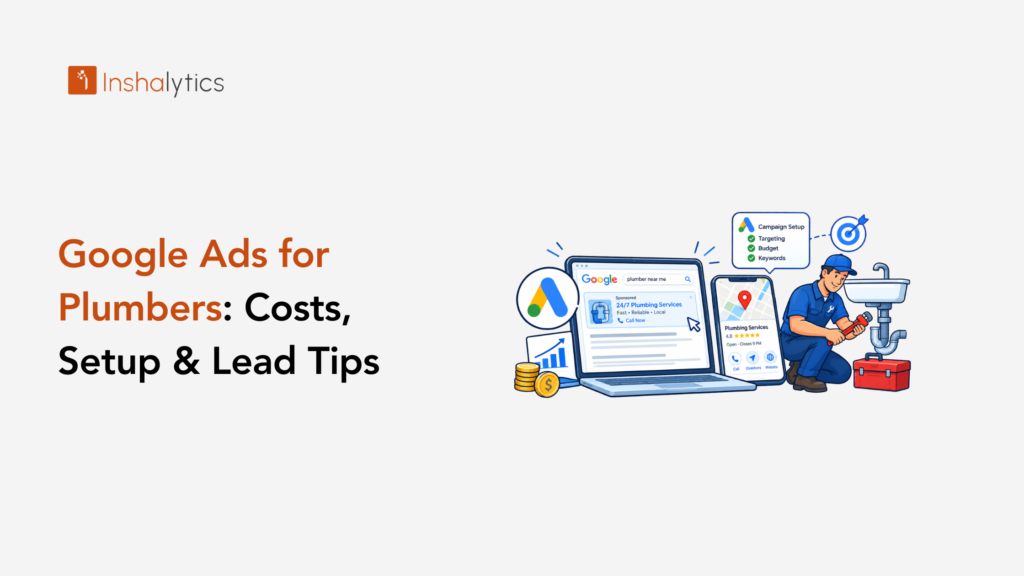
A homeowner with water pouring from a ceiling does not browse. They search, tap the first number they see, and book whoever picks up. That is why Google Ads for plumbers can be the fastest way to put your phone number in front of people who need you right now, and also the fastest way to burn money when the account is set up carelessly.
This guide explains how plumbing ads work, what they cost, how to set up an account that targets real jobs, and which mistakes drain budgets. You will also learn how to judge results by profit, not clicks.
How Do Google Ads Work for Plumbers?
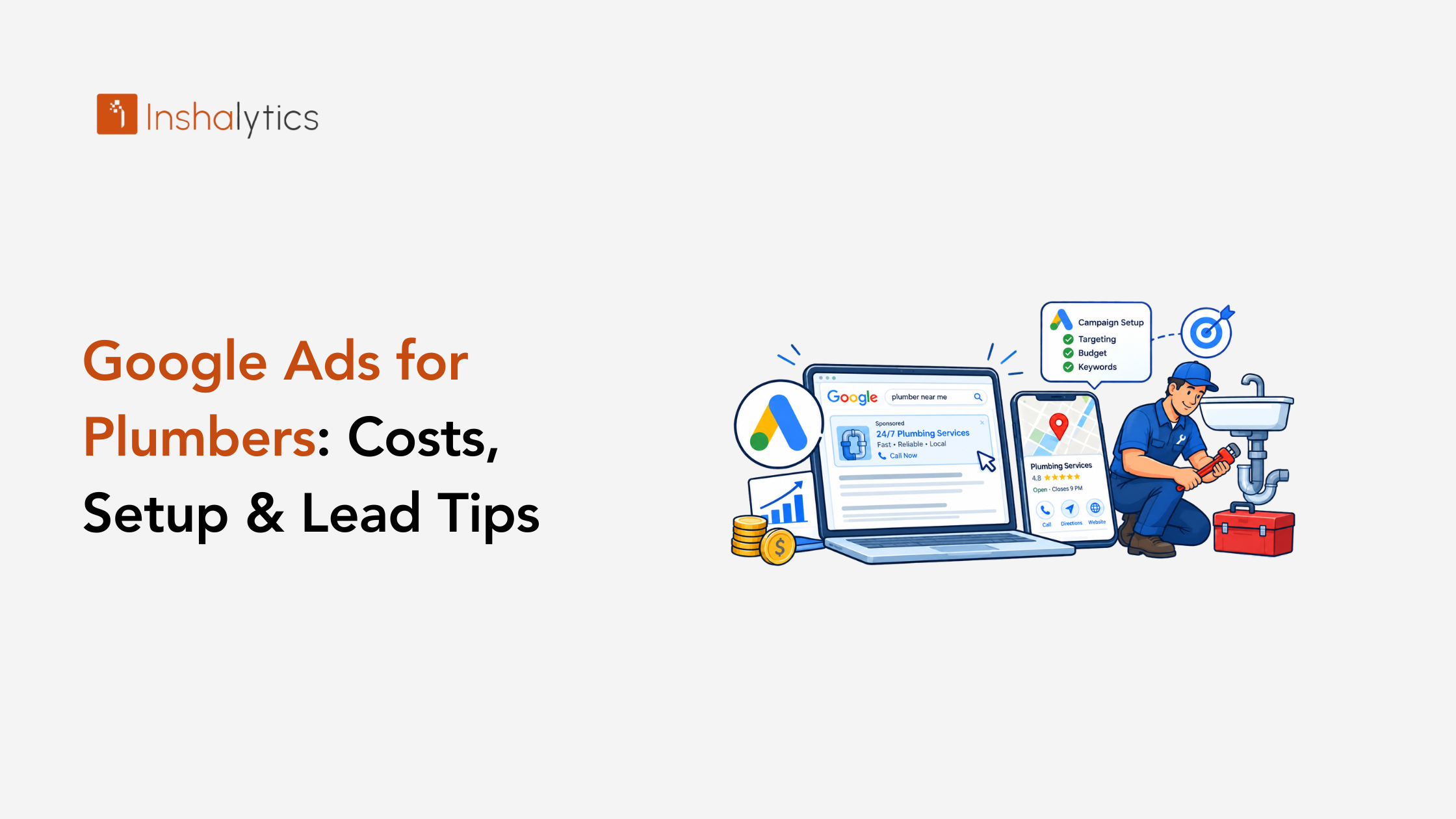
Google Ads for plumbers are paid placements that appear when someone searches for a plumbing service in your area. You bid on searches such as emergency plumber near me, set a daily budget, and pay when someone clicks or calls. Ads can appear above map and organic results.
Three choices shape how that plays out: the ad type, whether to pair it with Local Services Ads, and how emergency intent changes your setup.
Search ads, call-only ads and Performance Max
Search ads show text that sends people to a page on your site. Call-only ads show your number and skip the click, which suits emergencies. Performance Max automates placements across Google properties, but it gives you less control over which searches you pay for.
Most plumbers should start with search and call-only ads, because you can see exactly which searches trigger them. Add Performance Max later, once you have enough tracked conversions to guide it.
Google Ads vs Local Services Ads: pick one or run both
Local Services Ads charge per lead rather than per click and carry Google’s verified badge. Search ads give you more control over keywords and messages. They reach different parts of the results page, so many plumbers run both.
Our Angi vs Google LSA breakdown for plumbers explains how to compare them by cost per booked job.
Why emergency intent changes the playbook
Emergency searchers decide in minutes and call the first reasonable result. That means your ads need to run when someone can answer, your page needs a tap-to-call button above everything else, and your price of a missed call is very high.
Planned work such as water heater replacement or repiping follows a slower path. Treat the two as separate campaigns with separate budgets and messages.
How Much Do Google Ads Cost for Plumbers?
Your cost is the number of clicks or calls you buy times the price of each, and the result depends on your city, your services, and your competition. The useful number is cost per booked job, which you calculate by dividing total ad spend by jobs booked from those ads.
Three angles help you set a budget you can trust.
CPC and cost per call by service (emergency, drain, water heater, repipe)
Prices differ by service. Emergency and high-ticket searches such as sewer line replacement or water heater installation usually cost more per click than simple repairs, because each job is worth more to the winner. Broad searches such as plumber cost the most and convert the least.
Use Google Keyword Planner to see current price ranges for your city before you set a budget. Those local figures beat any national average.
Monthly budget ranges and how to choose yours
Set your budget from capacity and value: how many jobs your crew can add each month, and what you can pay to win each one. Divide that by your cost per booked job to find the spend that fills the calendar.
Start with enough budget to collect a few weeks of data per campaign. A budget so small that the ads run out by morning starves the account of learning and hides what works.
A profit-based ROI example (margin, not revenue)
Measure ads against profit, not revenue. Suppose a water heater install brings $1,800 in revenue and $600 in profit after labor, equipment, and overhead, and you pay $250 in ads to book it. The ad ROI is $350 of profit, not $1,550 of revenue.
The numbers here are round figures for illustration. Use your own margins so the account answers the question that matters: did this ad make money?
How to Set Up Google Ads for a Plumbing Business
A good plumbing account separates services, controls which searches trigger your ads, and tracks calls from the first day. These four steps cover the foundation.
Account and campaign structure by service
Build one campaign for each major service: emergency repair, drain cleaning, water heaters, and repiping or sewer work. Inside each, group closely related keywords together and write ads that match them.
Separate campaigns let you give each service its own budget, schedule, and landing page. When one service stops paying, you can pause it without touching the rest.
Keywords and a negative keyword starter list
Start with phrase and exact match keywords such as emergency plumber, water heater replacement, drain cleaning, burst pipe repair, and sewer line repair, each paired with your city or service area.
Then add negative keywords so you stop paying for the wrong searches. A solid starter list is:
- jobs, careers, salary, hiring, apprentice
- school, course, training, license, certification
- diy, how to, tutorial, video
- parts, supplies, wholesale, tools
- free, used
Review your search terms report weekly and add new negatives as junk appears.
Ad copy, extensions and call tracking
Lead with what the searcher wants: a fast answer, a local business, and a clear way to reach you. Add call, location, and sitelink extensions so your ad takes more space and offers more ways to act.
Use a tracking number so Google reports calls as conversions. Without it, you pay for calls you cannot trace to a campaign.
Service area and location settings
Choose the option that targets people physically in your service area, not people merely interested in it. The broader default can show your ads to people searching from outside your territory, who will never become customers.
Draw your targeting around the neighborhoods your trucks actually serve, and exclude areas outside your service radius.
Dayparting, After-Hours Calls and Seasonality
When your ads run matters as much as what they say, because a call nobody answers costs you the click and the job.
Scheduling ads around who answers the phone
If nobody answers after 9 p.m., either route calls to an answering service, use call forwarding, or pause call-only ads overnight. A caller who hits voicemail on an emergency calls the next plumber within a minute.
If you offer after-hours emergency service, treat it as a premium campaign with its own budget, because those searchers are the most urgent and often the least price-sensitive.
Seasonal demand (freeze, summer, spring)
Plumbing demand moves with the weather. Cold snaps bring frozen and burst pipes, summer brings sprinkler and outdoor faucet work, and spring brings sump pump and drain issues.
Plan for those peaks by raising budgets just before them and writing ads that match the season. Check your own call history to see when your market peaks.
Which Google Ads Mistakes Burn a Plumber’s Budget?
The most expensive mistakes are broad keywords without negatives, wrong geography, sending all clicks to your homepage, and answering leads slowly. Each wastes spend on clicks that never become jobs, and each is fixable in an afternoon.
Broad match, no negatives and the wrong geo
Broad match lets Google decide what counts as related, which often means searches for plumbing jobs, parts, and DIY help. Paired with a wide service area, it spends your budget on people you cannot serve.
Tighten match types, build a negative list, and review search terms weekly.
Sending clicks to the homepage
A homepage tries to speak to everyone, so it speaks clearly to no one. A searcher for water heater replacement should land on a page about water heater replacement, with a call button and your proof of trust visible without scrolling.
Build one focused page per service, even if it is simple.
Slow lead response
The best ad cannot rescue a lead that waits an hour. Alerts to your phone, instant text replies, and a call script all shorten the gap. Our guide to speed to lead for plumbers shows the system step by step.
How Inshalytics Manages Google Ads for Plumbers
We run plumbing accounts to produce booked jobs and judge them by profit. Our PPC management pairs Google Ads with conversion rate optimization, so the clicks you pay for arrive at pages built to turn them into calls.
Tracking calls and booked jobs, not clicks
We set up call tracking and conversion tracking so your reports show which campaigns and keywords produced calls and booked jobs. You see cost per booked job by service, not a vague total.
Landing pages built for emergency and scheduled work
Emergency searchers get a fast page with a tap-to-call button and clear availability. Scheduled-work searchers get a page that explains the service, builds trust, and offers a quote request. Each page matches the ad that sent the visitor.
Monthly reporting on cost per booked job
Every month you receive a plain report: spend, calls, booked jobs, cost per booked job, and the changes we plan. If you also invest in map rankings, our guide to local SEO for plumbers shows how paid and organic work together.
Want a second opinion on your account? Get a plumbing Google Ads audit from Inshalytics.
Launch or Audit Your Plumbing PPC
Google Ads for plumbers works when you separate emergency from planned work, control which searches you pay for, track every call, and answer fast. Judge the program by profit per booked job and the numbers tell you when to grow.
Pre-launch checklist
Before you spend a dollar, confirm each item:
- Call tracking and conversion tracking are live.
- Each service has its own campaign and landing page.
- Your negative keyword list is loaded.
- Location targeting covers your service area only.
- Someone answers calls during ad hours, or a service does.
Signs it is time to move from DIY to managed
Move to managed help when you cannot say how many booked jobs your ads produced, when search term reports show waste you do not have time to clean, or when growth means you need weekly optimization. If that sounds like your account, let’s talk about how Inshalytics can help.
You also might compare paid options with social channels. Our look at Facebook ads for plumbers explains where they fit and where they do not.